
Reports & Dashboards
Make the right calls without touching Excel
A set of ready-made reports, plus a builder for everything else. See cost by site type, which accounts still owe you money, and how much to pay subcontractors. The sums are done for you.
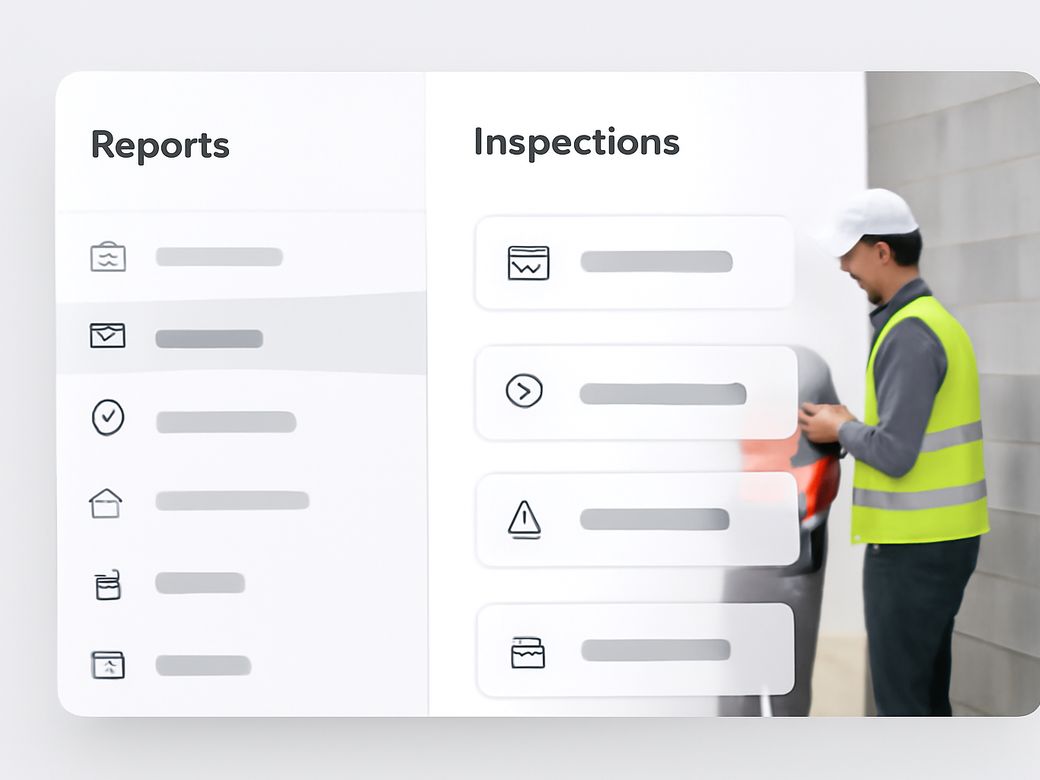
Ready-made reports
Your everyday questions are already answered
The things you always need to know, such as open defects, overdue close-outs, unpaid invoices and trade performance, are already in reports made for you. Just open one and set the dates you want to review.

Just ask
Ask AI, get the answer
What do you want to know? Ask upvisi questions such as "which trade logged the most hours last month?" You will get an answer in seconds, without having to build a report.
Custom reports
Get answers to the questions we have not thought of yet
When the report you need does not exist yet, build it without exporting data, opening a spreadsheet or making pivot tables. Just pick your columns, filters and groupings, and save it.
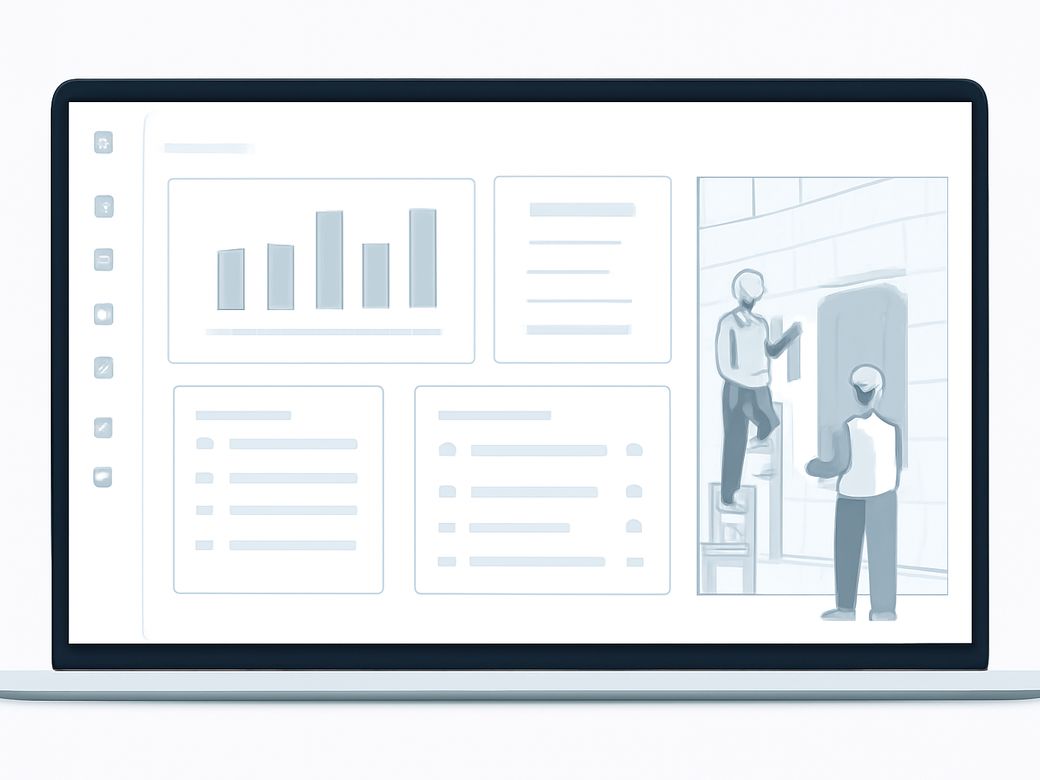
Dashboards
See your portfolio on one screen.
Put the reports you care about in one place. Open them at your desk in the morning, or on your phone between sites, so you always know exactly where things stand.
Permission levels
Decide who sees the money.
Your crews need to see their own visits, not the business margins. Set who can open which reports, so revenue, margins and payroll stay with you and the people you choose.
Run more work from the business you already have
One workspace. One login. Every tool to fill the planner and keep crews moving.
Auto Answering
Automatic replies handle client calls, emails and messages. The assistant answers questions, books visits and passes the right job to a trade without manual steps.
Client Outreach
A built-in messaging tool that uses your live site data to keep clients informed and flags delayed defect items so they can be followed up quickly.
Call Insights
A built-in phone tool that shows useful insight from calls, such as which visits were confirmed, why clients declined, and how coordinators can respond faster.
Planning
Smart planning and dispatch that keeps crews efficient, well routed and on time.
Invoicing
Clear invoices that clients can settle through several payment methods.
Automations
Set automated tasks with 'when this happens, do that' rules. For example, 'When an invoice is due, notify the client'.
Frequently asked questions
upvisi Reporting gives real-time insight into every part of your site operations. From inspection results and crew productivity to close-out progress and cost trends, it brings your data together in customisable dashboards. This helps you make informed decisions, spot opportunities and streamline operations without complex spreadsheets or outside tools.
upvisi Reporting connects to your upvisi account and collects data from your daily operations automatically, including site visits, defects, invoices, estimates and timesheets.
You can open ready-made reports or build custom ones suited to your needs, selecting fields such as defect type, trade performance and revenue streams. The clear interface makes it easy to filter, save, export and share reports, keeping you and your team aligned and proactive.
Yes.
upvisi lets you build custom reports that focus on the measures that matter most to your business.
By giving visibility into key performance indicators, upvisi Reporting helps you see what is working and what is not. From trades that could improve to the defect categories that come up most, reports can reveal them all.
You can monitor measures such as close-out rates, average time to resolve a defect and client sign-off timings. This data-led approach helps you set clear goals, give targeted feedback and put training in place that improves overall team productivity.
Yes.
upvisi reports give visibility into the day-to-day running of your site operations. You can track trade performance, review close-out rates, time on site and more.
You will also see reports on supervisor activity, defect types, cost by work package, payment collection trends and scheduling bottlenecks.
These insights help you spot what is working, what is not, and where to focus for better team performance and smoother operations.
Yes.
With upvisi's source tracking, you can see which channels generate the most enquiries and conversions. This helps you direct your marketing budget towards the approaches that deliver the best results.
Yes.
upvisi provides expense reporting tools designed for site and facilities teams.
Team purchases can be logged automatically into your expense report, capturing details such as supplier, amount, person responsible, location and time. Expenses are categorised automatically, which saves time and improves accuracy.
You can set budgets and spend limits by person, role or work package.
You can easily attach receipts, link expenses to specific jobs and add descriptions, all from your desktop or mobile device. This produces clear reports that can be filtered by person, supplier, category and more, giving you a clear view of spending habits.
Expenses can also sync with your accounting software, streamlining your finance processes. upvisi offers spend insights too, so you can monitor trends such as top spenders, largest transactions and monthly comparisons, supporting sound financial decisions.