
Field service invoicing software
Get paid sooner
upvisi creates a clean invoice as soon as a job is signed off, then follows up on overdue ones automatically.

INVOICING ON SITE
Send the invoice before you leave the site
When a trade signs off the work, the invoice goes out automatically so the client can pay on the spot. No back-office delay, no end-of-week batch, no chasing.

AUTOMATED REMINDERS
Collect unpaid invoices without chasing clients yourself
Set a payment reminder schedule once and upvisi handles the follow-ups for you.

Accept every payment method
Make it easy for clients to pay
Card, bank transfer, digital wallet or instalment options: clients pay the way that suits them, straight from the invoice link. You get paid, they get convenience.
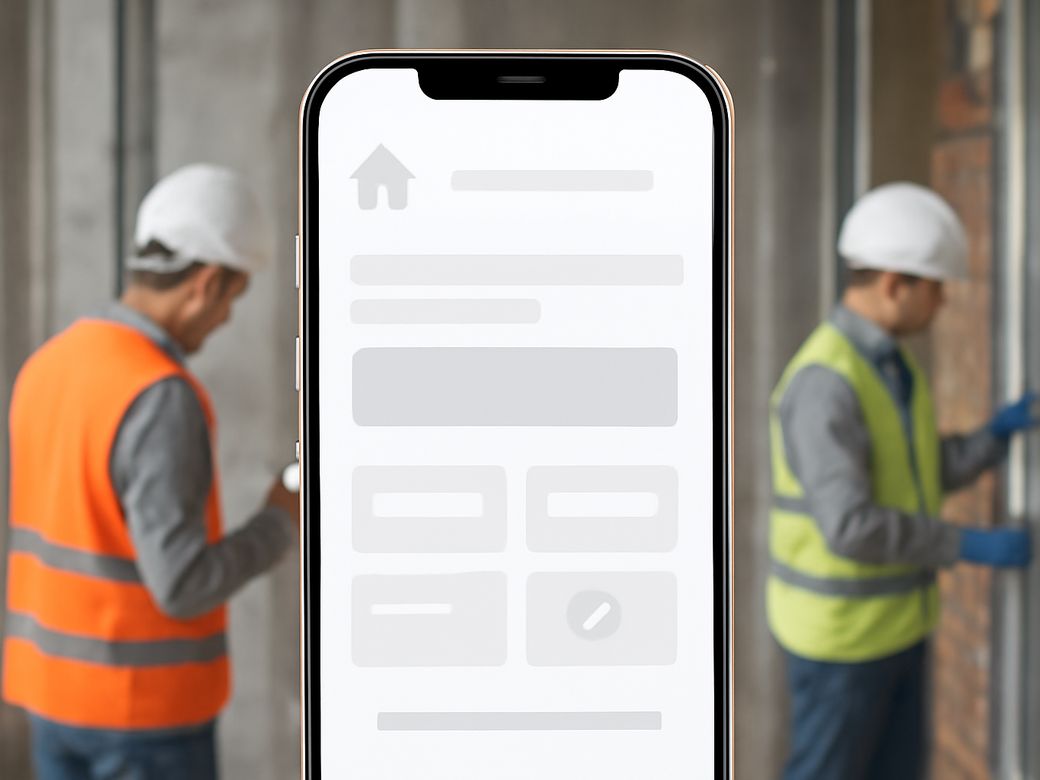
Accept extra payments
Grow your take-home
Offer a simple digital option for optional extras on top of the invoice. Clear prompts help teams recover costs without awkward conversations.
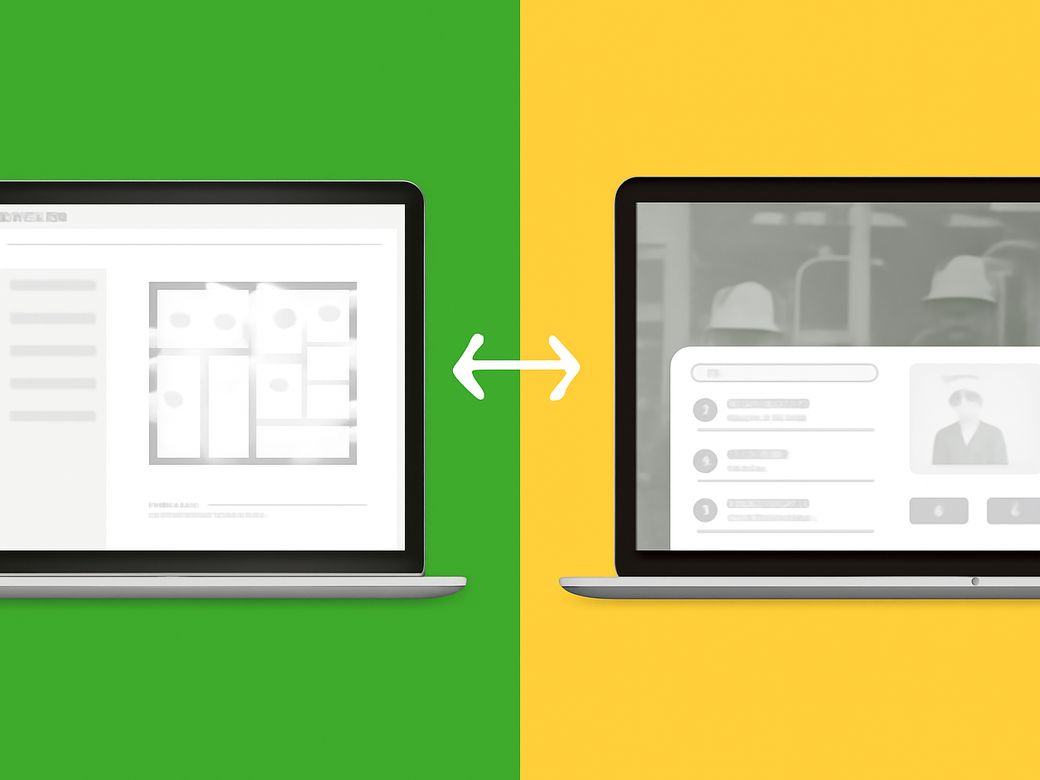
Automatic reconciliation
Books that update themselves
Sync your invoices to your accounting package automatically. Smart matching lines each payment up with its ledger entry, cutting out manual keying and saving admin time.
Grow the work you already have
One portal. One login. Every tool to fill the programme and keep crews on track.
AI Answering
AI answering handles calls, emails and texts. It speaks to clients, books site visits and assigns the right trade without any manual steps.
AI Marketing
A built-in marketing suite that uses live job data in campaigns and monitors your online reputation by flagging negative feedback as it arrives.
AI Phone
An embedded phone system that turns call data into useful insights, such as which enquiries convert, why leads go cold and how dispatchers can improve.
Scheduling
Smart scheduling and dispatch that keeps your crews efficient, well routed and on time.
Invoicing
Professional invoices that let clients pay by card, mobile wallet, bank transfer, cash, cheque and instalment finance.
Automations
Automate tasks with 'when this happens, do that' rules. For example, 'When an invoice falls due, text the client'.
Frequently asked questions
It is a digital tool that lets trades and site teams create, send and manage client invoices on site or from the office. It streamlines billing, tracks open balances, supports online payments and syncs with accounting tools so projects get paid faster and cash flow stays healthy.
With upvisi, a supervisor can turn job details or estimates into a professional invoice while on site. The invoice is filled with labour and material lines, taxes are calculated, and it can be sent by email or text. Clients open a secure payment link and pay straight away by card, mobile wallet or bank transfer.
Automated invoicing cuts admin, removes manual errors and speeds up collections. With scheduled payment reminders, overdue notices and instant receipts, your team no longer needs hours of follow-up on unpaid balances, and payments can arrive sooner.
Yes. upvisi offers a two-way sync with popular accounting platforms. Every invoice, payment or refund recorded in upvisi updates your ledger in near real time, removing duplicate entry and simplifying tax preparation.
Yes. upvisi has mobile apps for iOS and Android. Supervisors can view job lists, create invoices, capture digital signatures and take card payments in the field.
upvisi connects payment processing directly into the invoicing flow. You can see the live status of every invoice (Sent, Viewed, Paid, Overdue) and track payouts. Funds are matched automatically and receipts go to clients as soon as a payment is processed.