
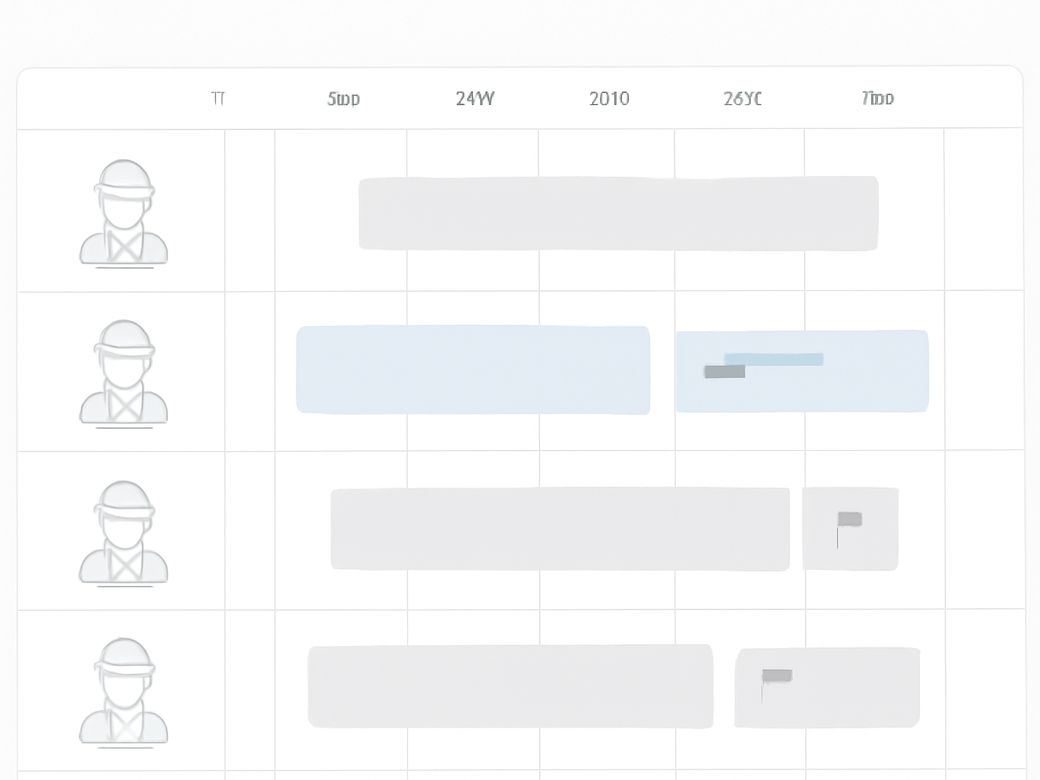
Automate assignments
Let site teams claim or reassign defects on their own, with routing that matches each trade's skills and live workload.
Standard tools only log issues. Your upvisi assistant reads each photo or walkthrough and flags the right defect, trade and priority from every report.
Let site teams claim or reassign defects on their own, with routing that matches each trade's skills and live workload.
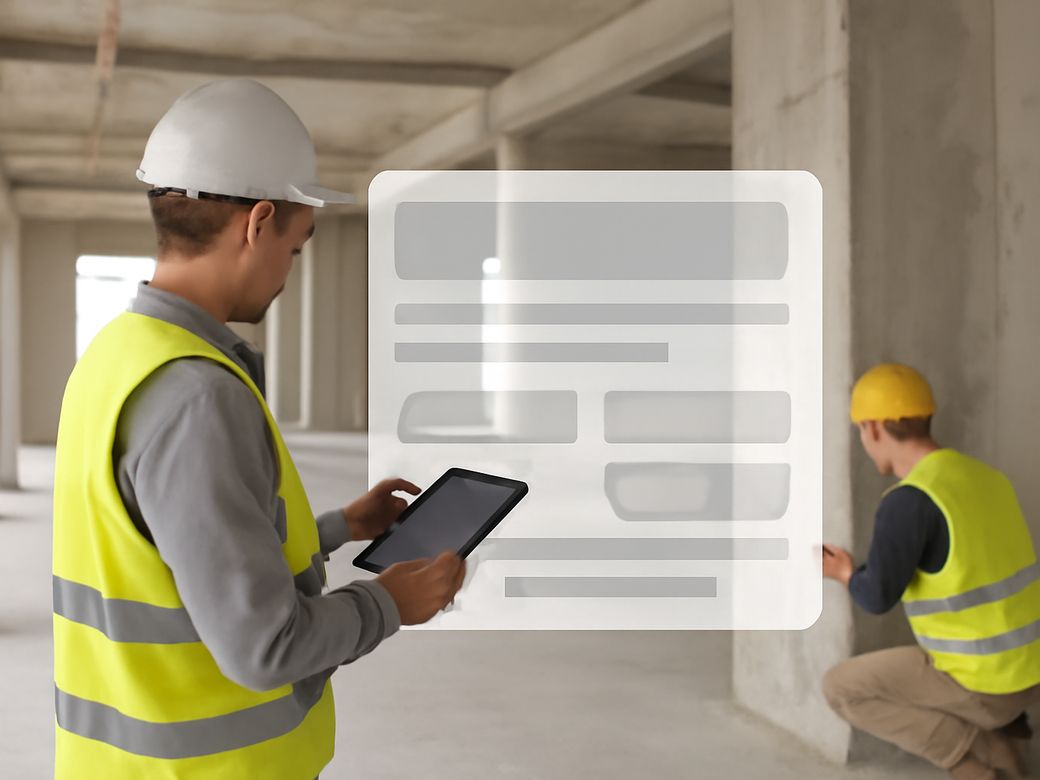
Upload a site walkthroughs, a set of photos or written notes, and get the defects back in one organised list.
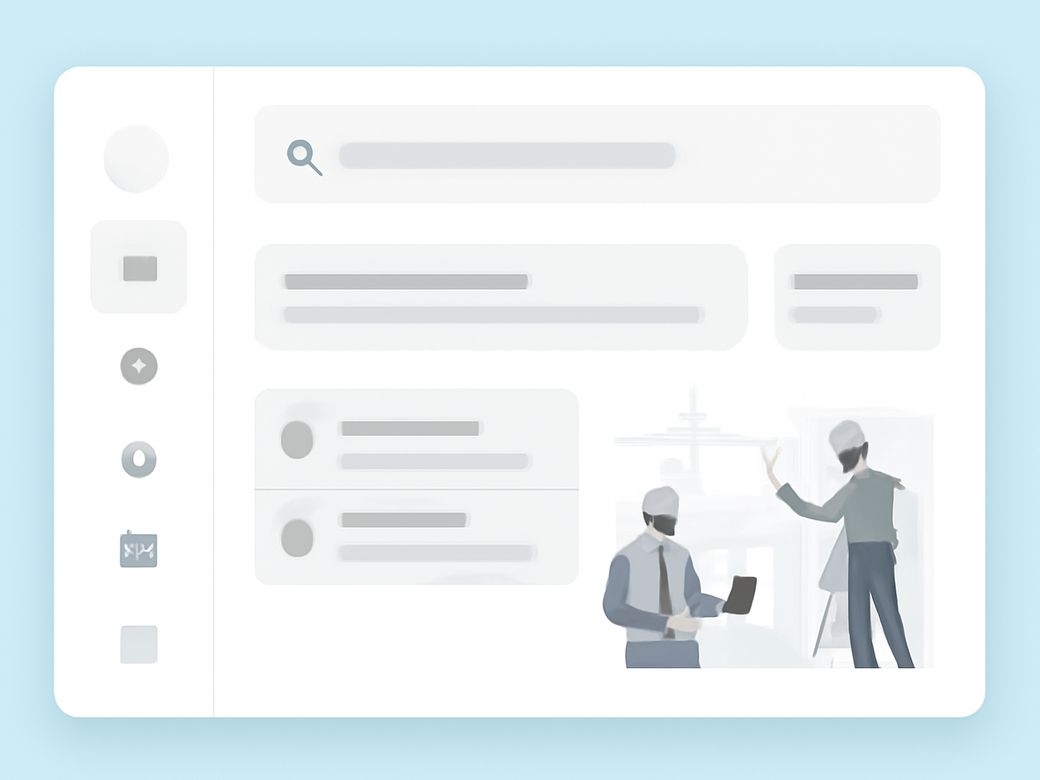
Set your inspection standards, collect the details you need, and follow the close-out steps that matter on your sites.
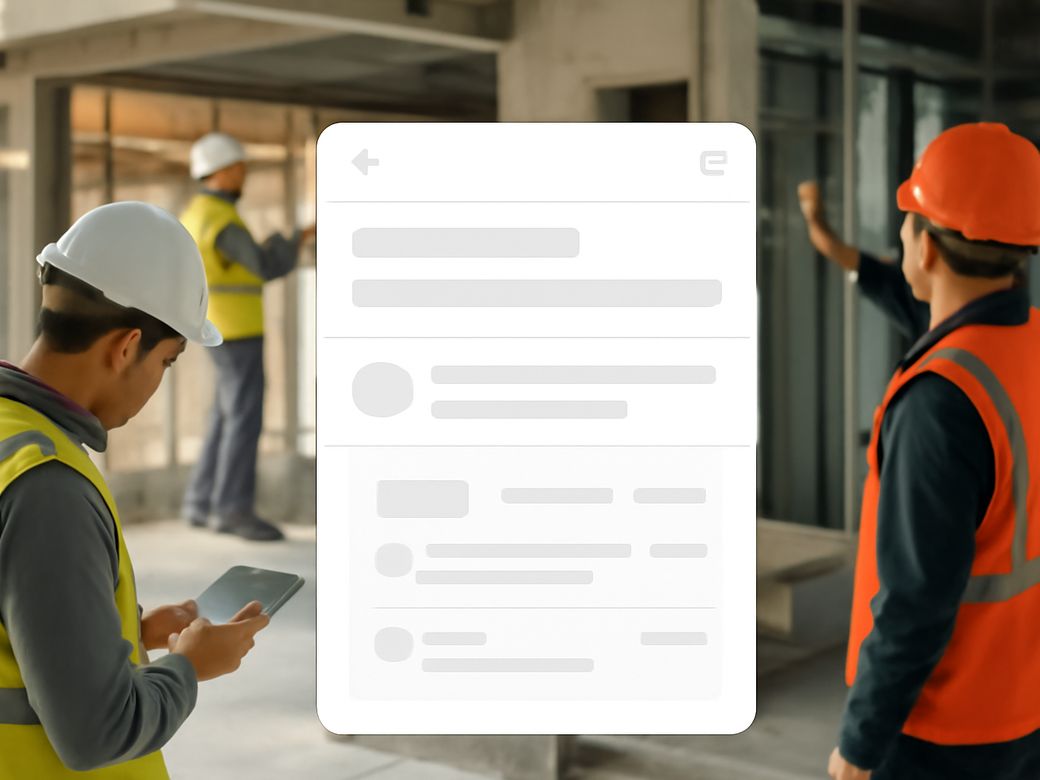
Keep each defect linked to its floor, room and trade, so anyone on the team can find the exact spot quickly.
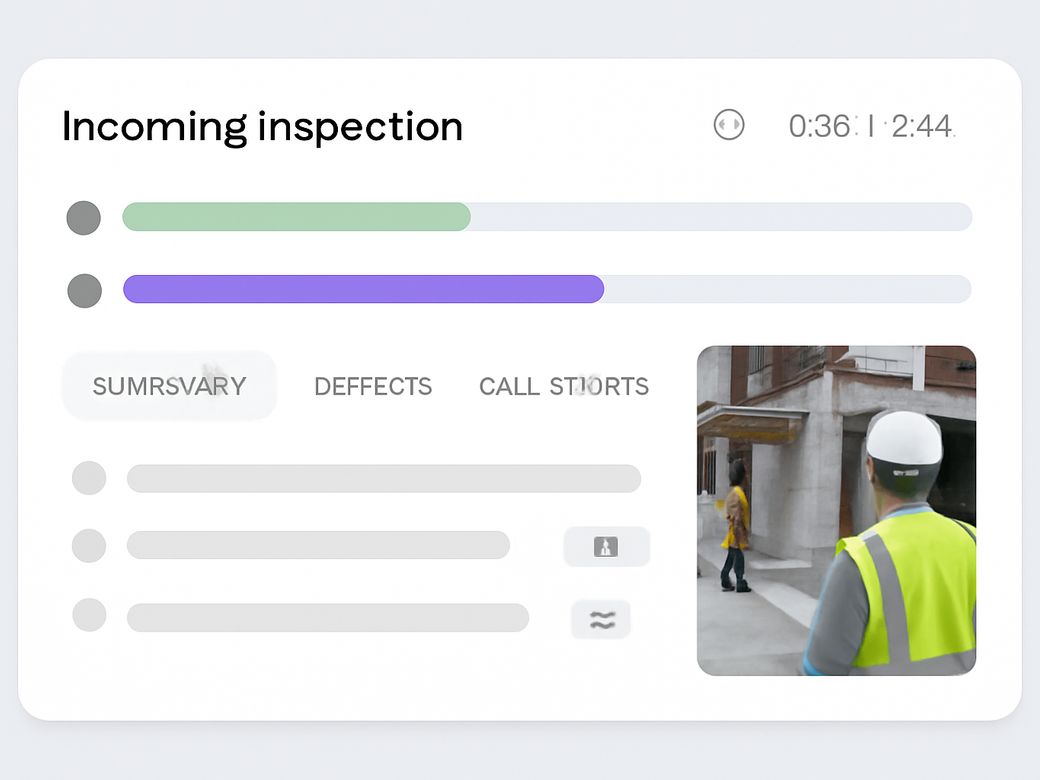
Stay fully informed. Open the photos or read the summary to see the most important defects at a glance.
Smart Answers flags issues as soon as photos arrive, so nothing sits in a queue. It can:
Let site teams claim or reassign defects on their own, with routing that matches each trade's skills and live workload.
Connected to your project and scheduling tools
Already trained on your inspection standards
Open, reassign, or close defects
Follow your sign-off rules
Review photos, videos, notes and handover forms around the clock
Explain your inspection standards and scope of work
Collects the details each trade will need on site
Hand complex items over to your team when needed
Ask custom questions, and set custom answers for site queries
Set custom greeting messages
Pick the voice you want
Work with teams in several languages
Not even close.
Recognizes the site, the zone and the defect history, and links new findings to earlier notes.
Answers questions in line with your specifications, scope of work, sign-off rules and live programme.
Sends each defect to the trade best suited for the fix, and lets the team reassign it if plans change.
Doesn't know anything about the site's past defects or the way your team signs off work.
Works off the prompts you give, with very little knowledge about how your sites actually run.
Records issues, but can't route a trade or track close-out without your team doing the follow-up.
One workspace. One login. Every tool to track defects, keep trades moving and close handovers on time.
The AI assistant reviews photos and walkthroughs as they arrive. It flags defects, routes each one to a trade and keeps the list moving without manual sorting.
A built-in reporting suite that turns live defect data into clear progress updates for clients, and highlights open items before they become delays.
An embedded call system that turns site conversations into clear notes, so you can see which issues come back and how teams can prevent them.
Smart scheduling and routing that keeps trades efficient, well-sequenced and on programme.
Professional invoices that let clients pay by card, mobile wallet, bank transfer, cash, cheque, or financing.
Automate tasks with ‘when this happens, do that’ rules. For example, ‘When a defect is overdue, notify the trade lead’.
Smart Answers has strong routing and defect-handling capabilities. It can:
Answer calls and hold live conversations with site teams.
Answer calls and hold live conversations with site teams.
Reply to emails, text messages, web form requests, and lead sources.
Reply to emails, text messages, web form requests, and lead sources.
Hand calls over to your team (during working hours).
Hand calls over to your team (during working hours).
Recognise known contacts by name.
Recognise known contacts by name.
See each site's full history and notes.
See each site's full history and notes.
Log new defects directly into your upvisi workspace.
Log new defects directly into your upvisi workspace.
Let clients move upcoming walks without involving your team.
Let clients move upcoming walks without involving your team.
Ask the site questions your trades need answered (e.g. is there a loading bay).
Ask the site questions your trades need answered (e.g. is there a loading bay).
Answer questions about your scope, standards and sign-off rules
Answer questions about your scope, standards and sign-off rules
Trigger automated workflows.
Trigger automated workflows.
Automatically follow up on unanswered messages.
Automatically follow up on unanswered messages.
Add tags and notes to defects in upvisi.
Add tags and notes to defects in upvisi.
Take messages for a person on your team.
Take messages for a person on your team.
Transcribe site calls and generate call summaries.
Transcribe site calls and generate call summaries.
It can do a lot, and it works in several languages too!
Yes, of course.The settings page lets you define the rules, standards and functions you want Smart Answers to follow.You can customise:
Your assistant's name, voice and tone, and greeting message.
Your assistant's name, voice and tone, and greeting message.
Whether the AI answers inbox messages or only calls.
Whether the AI answers inbox messages or only calls.
Whether the AI should open Leads or Defects.
Whether the AI should open Leads or Defects.
The tasks it can perform (e.g. log a new defect, take a message, reschedule a walk, etc.)
The tasks it can perform (e.g. log a new defect, take a message, reschedule a walk, etc.)
The default site-visit windows and required prior notice.
The default site-visit windows and required prior notice.
Which languages you want to serve teams in (for example English and Spanish)
Which languages you want to serve teams in (for example English and Spanish)
Any custom questions you want asked (e.g. is there a loading bay)
Any custom questions you want asked (e.g. is there a loading bay)
Any specific ways you want questions answered (e.g. if someone asks about the inspection scope, point them to the standard checklist)
Any specific ways you want questions answered (e.g. if someone asks about the inspection scope, point them to the standard checklist)
And we add new customisation options all the time.
Smart Answers is built by upvisi, for upvisi. It is fully connected to your workspace, so it understands defects, trades, zones and handover packs in a way general tools cannot. It is trained on site-inspection work, which makes it a focused assistant for contractors and facilities teams.
No. Not at all!It takes only a few steps to add Smart Answers to your workflow. No technical skills are required.
Nope! Smart Answers already learns from your workspace activity, the scopes you set, and the settings page.There is nothing else you need to do.
You can set any rules you like!For example, you can have it answer only out-of-hours calls, or any missed call.You can even get more specific, such as answering calls only from certain sites or projects.
Smart Answers keeps site teams supported around the clock, and matches a person during working hours.Dedicated coordinators can offer richer, human conversations, but at a higher cost. If you want strong coverage without adding headcount, that is where Smart Answers helps most.
Yes. You decide when Smart Answers replies. For example, you can have it respond to emails only if your coordinators have not replied within 10 minutes. Or only reply outside working hours. You stay in full control.
Yes! It can handle simultaneous calls.
They stay on and help you grow! Rather than spending time on tasks a computer can handle, your team can focus on inspections, quality and client relationships. Smart Answers simply brings more efficiency to your business.
Many do, as long as they get fast and clear answers. Our Live Transfer feature connects anyone who prefers a person straight to your team.