Inspection templates
Keep every check consistent
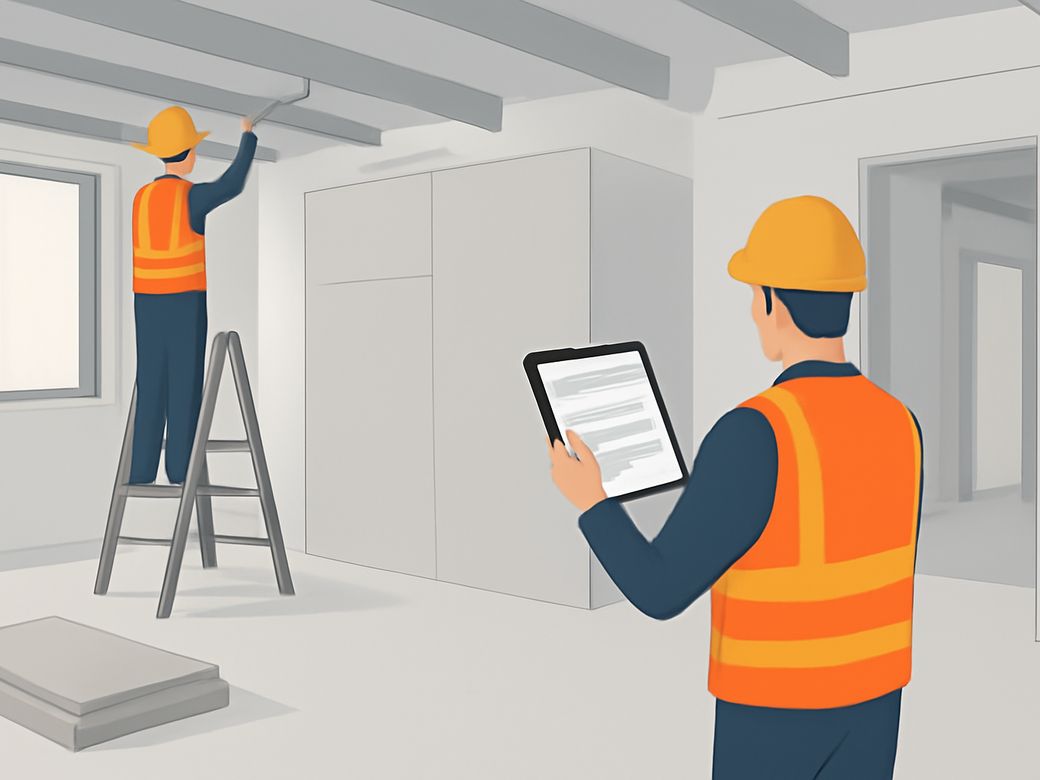
Use standard inspection templates for circuits, panels and fittings so every site walk records the same points.
Electrical crews and facilities teams use upvisi to turn site photos and site walkthroughs into a clear defect list. Assign each fix, track it to close-out, and hand over a complete pack at the end of the job.
Used by trade teams on site-based projects

Inspection templates
Use standard inspection templates for circuits, panels and fittings so every site walk records the same points.
Automations
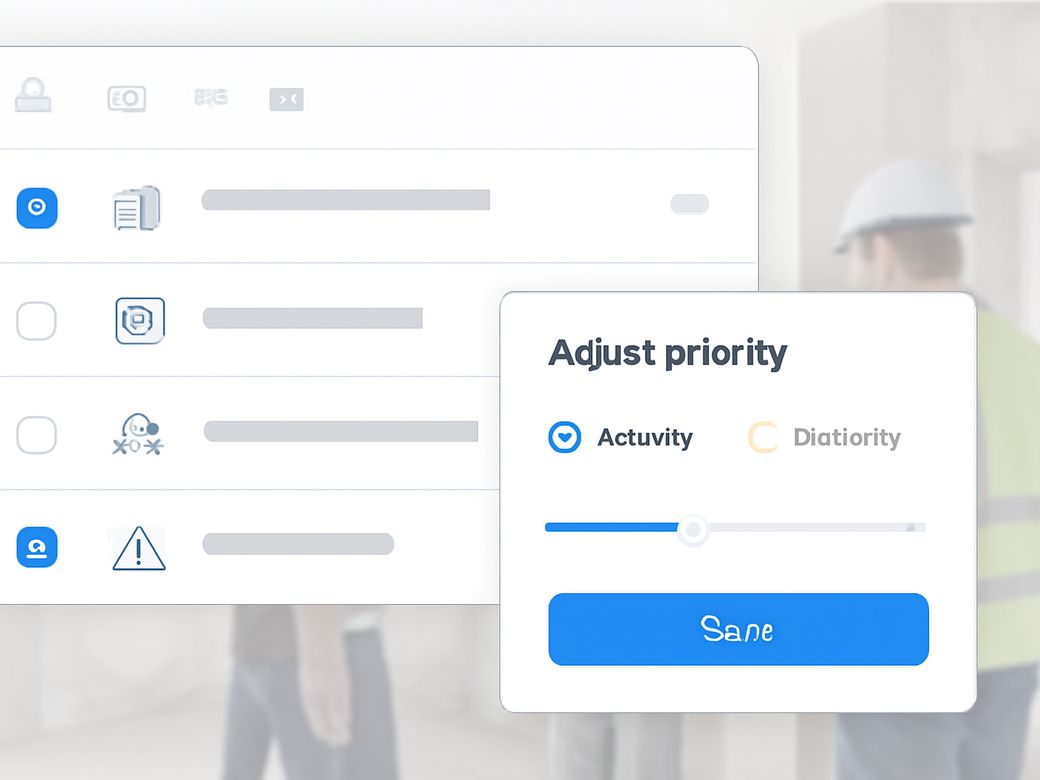
Overdue fixes and missing sign-offs are flagged for you. Automated reminders keep the defect list current and the handover on track.

Checklists
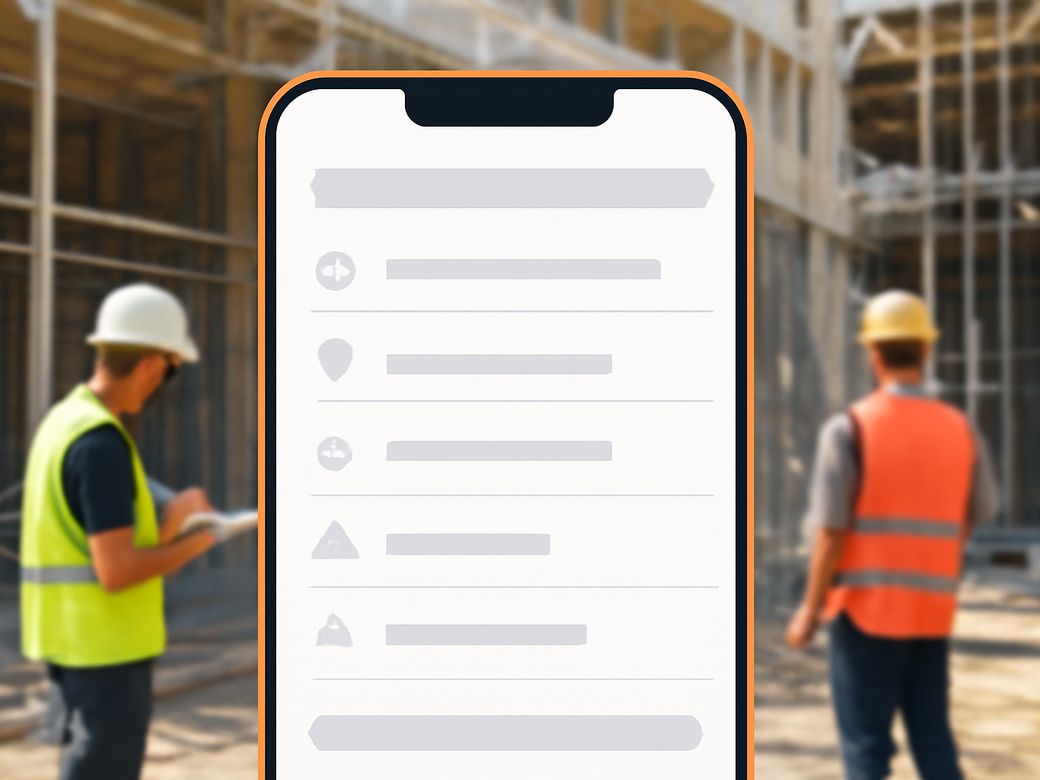
Electrical work depends on strict safety steps. upvisi lets you require checklists for items such as mislabelled panels, circuit tests and isolation sign-off, so each defect is closed with the right checks in place.

Multi-floor projects
Keep complex electrical packages visible from first fix to final sign-off. Track defects by floor and zone, follow materials and costs, and keep the handover pack complete until every item is closed.

Certificates
Attach test results and certificate copies to the defect they relate to, so the handover pack shows the evidence next to each closed item.

Variation quotes
When a client asks for extra points or upgrades, quote the change as Good, Better or Best options so they can choose the scope that suits them.
Shared communications
Make sure every reported defect is captured and tracked. Messages, photos and status changes sit in one dashboard, and AI answering takes new requests when the team is on site.
Photos and walkthrough videos become a defect list, fixes are assigned to trades, and the handover pack builds itself as items close. One platform for the supervisor, the electrician and the facilities team.

Electrical inspection software is a site-based tool that turns photos and walkthroughs into a structured defect list. It helps supervisors log issues, assign them to electricians and track each fix to close-out, covering scheduling, records and client updates in one place.
The benefits of electrical inspection software include:
Clear job tracking: Assign defects to the right electrician and follow progress from a single shared list.
Clear job tracking: Assign defects to the right electrician and follow progress from a single shared list.
Organised client records: Keep site history, photos and sign-offs for each project, and share updates through a client portal.
Organised client records: Keep site history, photos and sign-offs for each project, and share updates through a client portal.
Streamlined variations and payments: Record approved extra work and final costs, and send clear documents to the client.
Streamlined variations and payments: Record approved extra work and final costs, and send clear documents to the client.
Mobile access: Use the app on site to update defect status, view project details and capture sign-off photos.
Mobile access: Use the app on site to update defect status, view project details and capture sign-off photos.
Accounting integration: Connect with common accounting tools so costs and invoices do not need to be typed twice.
Accounting integration: Connect with common accounting tools so costs and invoices do not need to be typed twice.
Less admin: Automate repeat tasks and reduce paperwork, so your team can spend more time on the site.
Less admin: Automate repeat tasks and reduce paperwork, so your team can spend more time on the site.
Electrical dispatch software is the part of an inspection platform that handles assignments. It lets you send each defect to an electrician based on availability, skills and location. With a clear assignment view, you can plan routes, cut travel time and make sure the right person attends each fix.
upvisi helps you keep every open item visible, so nothing is missed before final payment. Because assignments and reminders run in the background, your team can focus on finishing the work.
Teams that track snags in one place spend less time on callbacks and chasing information, which keeps projects moving toward handover.
Clear records also help you agree final payments with clients. A complete handover pack shows exactly what was done and where, which builds trust over the life of the project.
Yes. upvisi can connect with accounting tools to keep invoices, clients and payments in step, so your financial records stay consistent with the project.
Electricians can also create estimates and invoices from the site, which means the paperwork is ready while the work is still fresh.
The integration centre links the tools you already use for calendars, email and payments, so you can manage each project from start to finish without keeping several systems in sync.
Yes. The upvisi app works on phones and tablets and is available from the main app stores. Electricians can update defect status, share location updates and capture sign-off photos from site.
Electricians can also message the office and clients directly from the app. Quick on-my-way updates reduce misunderstandings on site, and estimates can be sent straight from the field.
The app is simple to use, so electricians and supervisors can get started in a few days. If anyone needs help, the upvisi team is available to answer questions.
upvisi includes scheduling tools that let you plan site visits and assign defect fixes to electricians based on availability, skills and location. The drag-and-drop interface makes it simple to move work as priorities change.
Key features of upvisi scheduling for electrical contractors include:
Live schedule view: See and update the plan in real time, so everyone on the team works from the latest information.
Live schedule view: See and update the plan in real time, so everyone on the team works from the latest information.
Mobile app: Electricians can view their visits, open defect details and update status from the app while on the move.
Mobile app: Electricians can view their visits, open defect details and update status from the app while on the move.
Automated notifications: Send reminders to your team and clients about visits and overdue fixes, reducing missed appointments.
Automated notifications: Send reminders to your team and clients about visits and overdue fixes, reducing missed appointments.
Recurring visits: Set up repeat site checks for long projects and maintenance walks.
Recurring visits: Set up repeat site checks for long projects and maintenance walks.
Drag-and-drop calendar: Move visits and fixes around easily using the calendar view.
Drag-and-drop calendar: Move visits and fixes around easily using the calendar view.
Materials tracking: Keep a record of materials and stock used on each defect fix.
Materials tracking: Keep a record of materials and stock used on each defect fix.
upvisi brings scheduling, defect tracking, client updates and handover into one platform. It is easy to learn and gives supervisors the information they need to keep the whole project on track.
No, upvisi is a paid product with plans that suit different team sizes and needs. Contact the team or book a demo to discuss the right option for your business.
upvisi's AI features Inspection AI reviews site photos and walkthrough video to draft a defect list.
Key AI-powered features include defect detection, suggested trade assignment, status reminders and handover summaries.
🤖 What is the AI assistant? The assistant drafts defect descriptions, suggests the right trade and reminds the team about open items, saving time on each walk. ⚡🚀
Learn more
upvisi focuses on site inspection and close-out. It turns photos and video into defects, assigns fixes, tracks each item to sign-off and builds the handover pack, with client updates and reporting included. 🚀