
Job Scheduling Software
Job planning software for site and facilities crews
Keep every site visit organised and run your inspection schedule with ease.
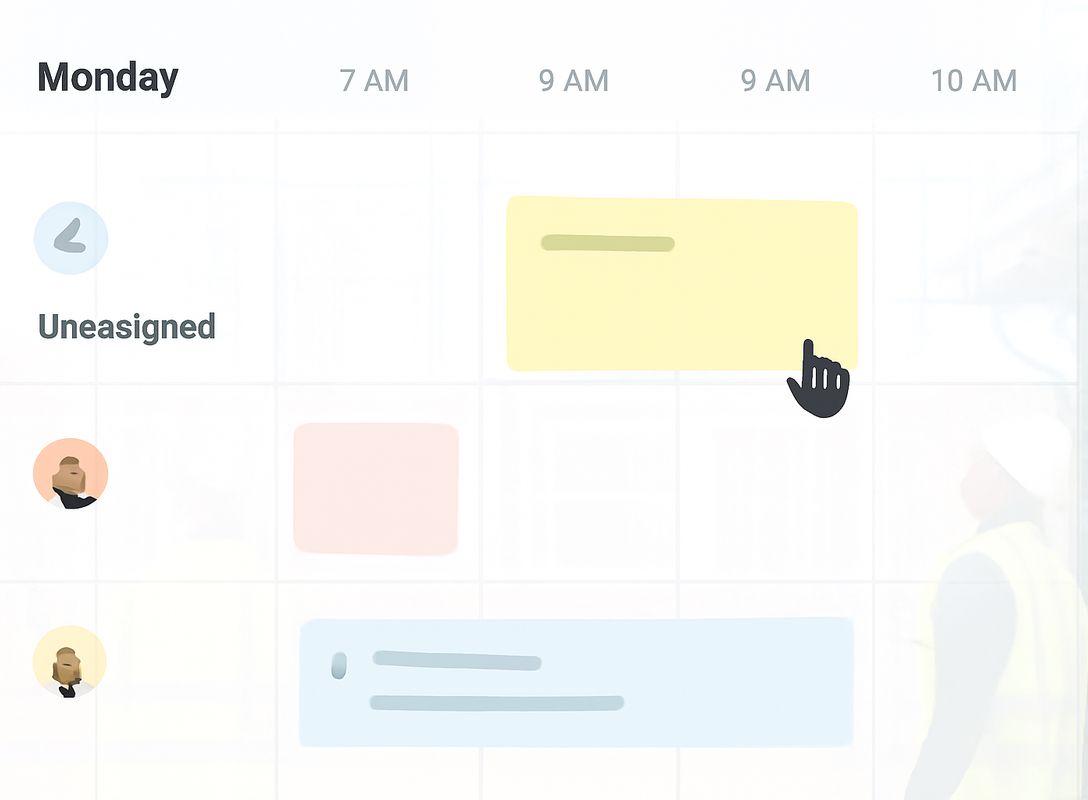
Drag-and-drop planner
Plan visits effectively
Make the most of your crew's time and simplify the whole planning process with our drag-and-drop planner. See each supervisor's route and move visit times around to cut down on travel between sites.
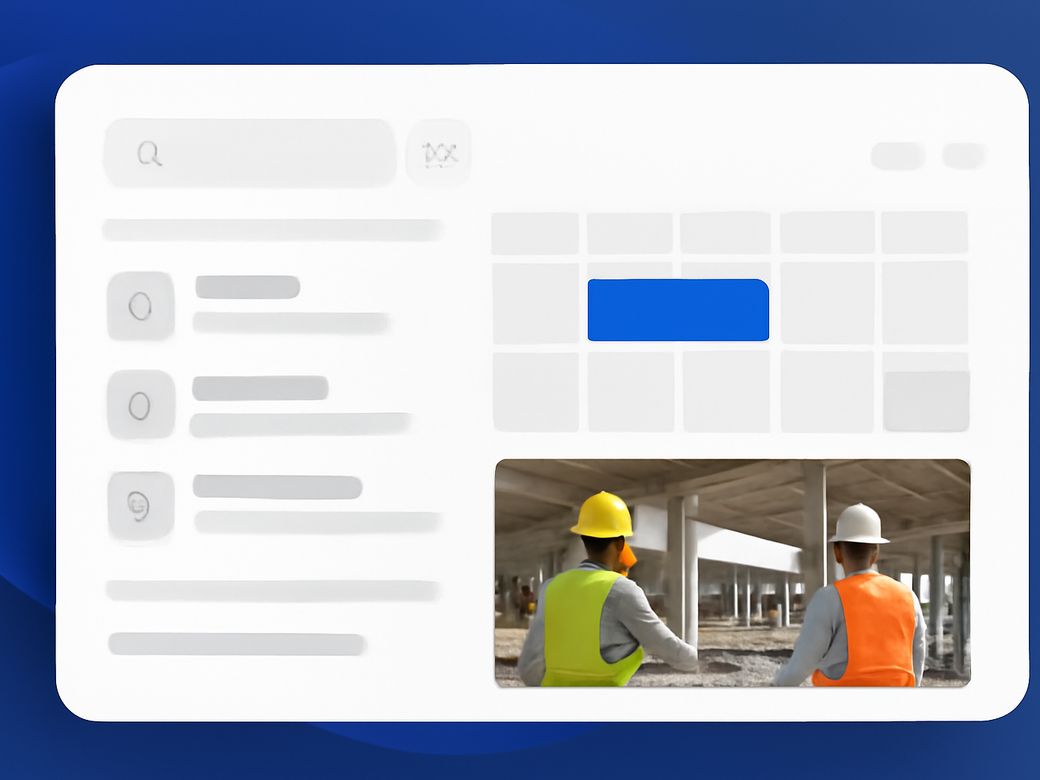
Smart planning
Automatic planning, made simple
Skip the manual planning work and cut travel time between visits by letting upvisi suggest the best slot for each inspection, based on trade availability and skill sets.
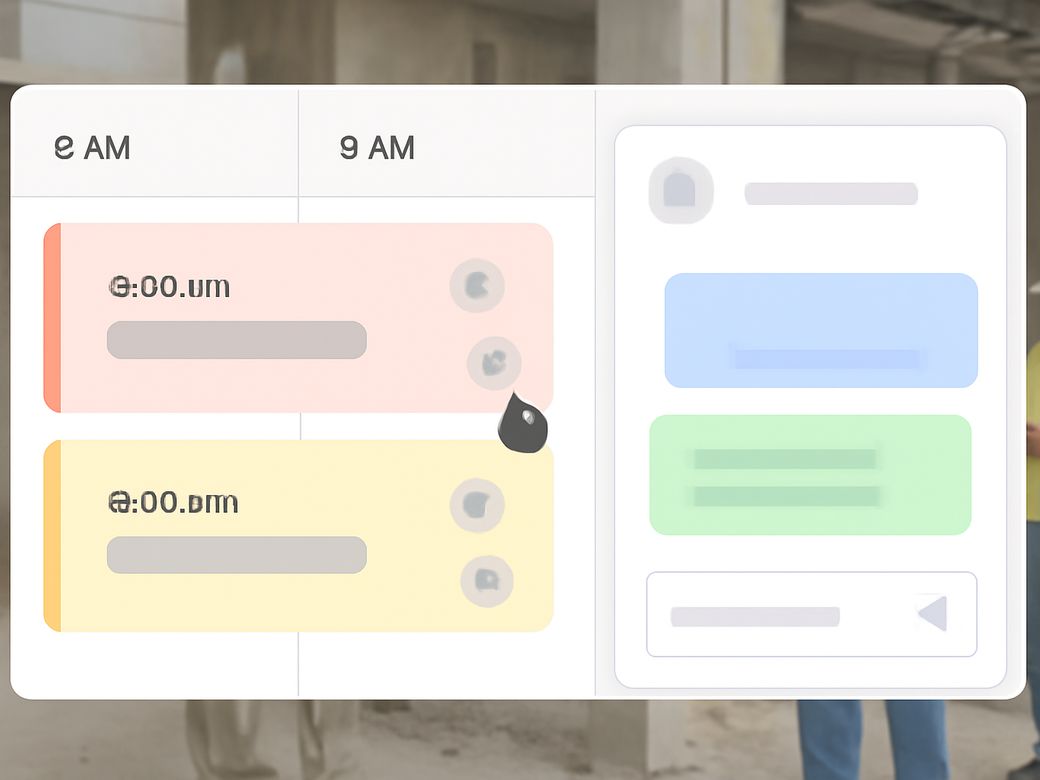
Attach drawings with ease
Message the client from your planner
Email or text clients straight from their planned slot. Easily send drawings, site notes or access details so the site is ready when your team arrives.
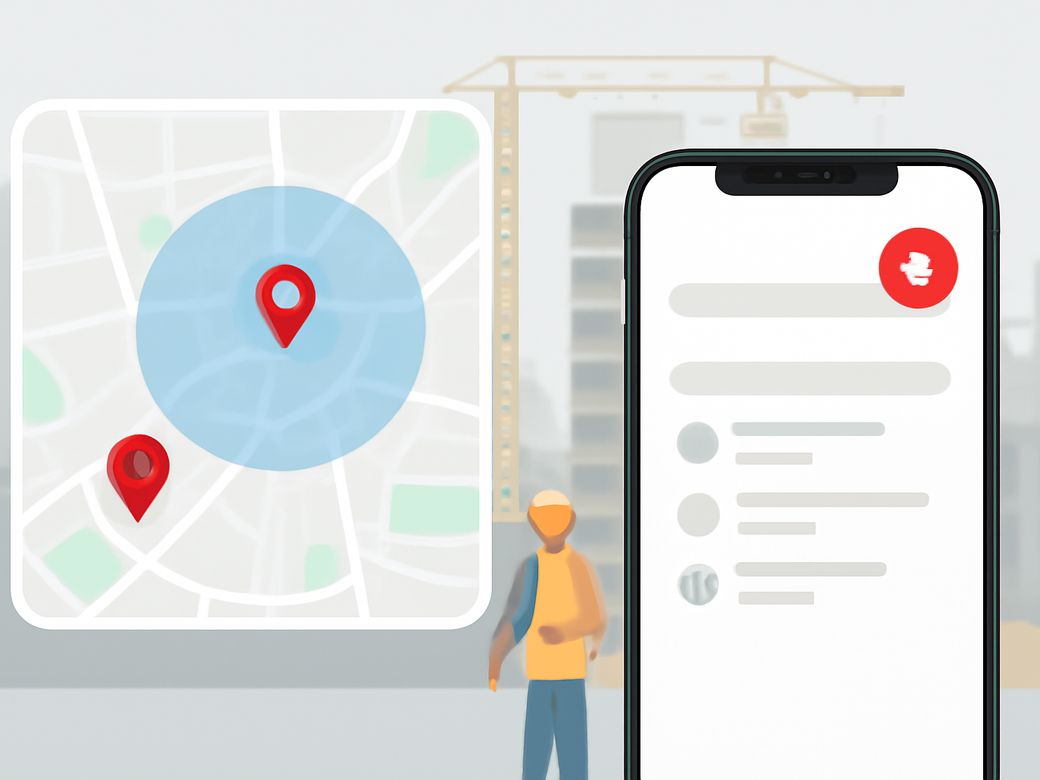
Site visit planning solution
Adjust plans in real time
Urgent site issues need not throw the day off. When a new report comes in, your coordinator can see which trade is nearby and tell them about the change straight away. Set up automatic updates so booked clients know when a visit is running late.
Run every site from one place
One workspace. One login. Every tool to fill the planner and keep crews moving.
Auto Answering
Automatic replies handle client calls, emails and messages. The assistant answers questions, books visits and passes the right job to a trade without manual steps.
Client Outreach
A built-in messaging tool that uses your live site data to keep clients informed and flags delayed defect items so they can be followed up quickly.
Call Insights
A built-in phone tool that shows useful insight from calls, such as which visits were confirmed, why clients declined, and how coordinators can respond faster.
Planning
Smart planning and dispatch that keeps crews efficient, well routed and on time.
Invoicing
Clear invoices that clients can settle through several payment methods.
Automations
Set automated tasks with 'when this happens, do that' rules. For example, 'When a defect is closed, notify the client'.
Frequently asked questions
Job planning software, also called a job scheduler or enterprise job scheduling software, helps businesses automate and organise how work is planned. It lets teams plan, assign and track visits or tasks across the whole organisation, improving efficiency and output.
Key features of job planning software include:
Automated planning: Set up recurring visits and inspections, removing the need for manual planning.
Automated planning: Set up recurring visits and inspections, removing the need for manual planning.
Live updates: Get instant alerts and progress updates on each job so everyone stays informed.
Live updates: Get instant alerts and progress updates on each job so everyone stays informed.
Calendar links: Sync with common calendar apps for smooth planning and coordination.
Calendar links: Sync with common calendar apps for smooth planning and coordination.
Mobile access: View and manage plans from anywhere using a phone or tablet.
Mobile access: View and manage plans from anywhere using a phone or tablet.
Reporting and analysis: Gain useful insight into crew use, completion rates and other key measures.
Reporting and analysis: Gain useful insight into crew use, completion rates and other key measures.
upvisi is a complete site management platform with a strong job planner, helping businesses refine their planning and raise overall efficiency.
upvisi scheduling is built to simplify and speed up job planning for contractors and facilities teams. You can create, assign and manage jobs through a clear interface that is easy to move around and use the platform's main features.
Here is how upvisi scheduling works:
Create jobs: Quickly add new visits or tasks, noting details such as the client, site description and the resources required.
Create jobs: Quickly add new visits or tasks, noting details such as the client, site description and the resources required.
Assign trades: Give each job to the most suitable trade based on skills, location and availability, so work is delivered efficiently.
Assign trades: Give each job to the most suitable trade based on skills, location and availability, so work is delivered efficiently.
Set up recurring tasks: Automate repeat inspections or maintenance rounds, saving time and reducing planning errors.
Set up recurring tasks: Automate repeat inspections or maintenance rounds, saving time and reducing planning errors.
Live updates: Stay informed about job progress, crew location and any changes to the plan.
Live updates: Stay informed about job progress, crew location and any changes to the plan.
Mobile app: Access plans, job details and site information from anywhere with the upvisi app on iOS and Android.
Mobile app: Access plans, job details and site information from anywhere with the upvisi app on iOS and Android.
Calendar sync: Connect with popular calendar apps for smooth coordination across several platforms.
Calendar sync: Connect with popular calendar apps for smooth coordination across several platforms.
With upvisi scheduling, you can streamline planning, improve communication and raise productivity across the whole team.
A job scheduler is essential for businesses that want to run their operations well and stay competitive in a fast-moving market. Here is why:
Better efficiency: Automate repeat tasks and simplify planning, freeing time for more important work.
Better efficiency: Automate repeat tasks and simplify planning, freeing time for more important work.
Stronger resource management: Assign jobs by trade skill, location and availability, making good use of every resource.
Stronger resource management: Assign jobs by trade skill, location and availability, making good use of every resource.
Clearer communication: Keep everyone updated with live changes and alerts, reducing misunderstandings and delays.
Clearer communication: Keep everyone updated with live changes and alerts, reducing misunderstandings and delays.
Better client service: Give accurate visit times and keep clients informed at each stage, improving satisfaction and loyalty.
Better client service: Give accurate visit times and keep clients informed at each stage, improving satisfaction and loyalty.
Scalability: Manage and coordinate jobs across several teams and sites as the business grows.
Scalability: Manage and coordinate jobs across several teams and sites as the business grows.
By adopting a job scheduler like upvisi, businesses can gain an edge, improve operational efficiency and deliver strong service to clients.
Job planning software offers many benefits to businesses, including:
Automated planning: Remove manual planning tasks and reduce errors, saving time and resources.
Automated planning: Remove manual planning tasks and reduce errors, saving time and resources.
Greater productivity: Optimise plans and assign jobs by trade skill and availability, getting more done.
Greater productivity: Optimise plans and assign jobs by trade skill and availability, getting more done.
Real-time visibility: See job progress, crew location and plan changes as they happen, supporting quicker decisions.
Real-time visibility: See job progress, crew location and plan changes as they happen, supporting quicker decisions.
Better client experience: Share accurate arrival times, live updates and prompt service, improving satisfaction and loyalty.
Better client experience: Share accurate arrival times, live updates and prompt service, improving satisfaction and loyalty.
Joined-up working: Connect with existing tools and systems, such as accounting software, for simpler operations.
Joined-up working: Connect with existing tools and systems, such as accounting software, for simpler operations.
Flexible setup: Adjust the software to match your business needs and workflows.
Flexible setup: Adjust the software to match your business needs and workflows.
Reporting and analysis: Access useful data to spot areas to improve and make decisions based on evidence.
Reporting and analysis: Access useful data to spot areas to improve and make decisions based on evidence.
Service scheduling software helps businesses work more efficiently, cut planning mistakes and improve client satisfaction. It assigns jobs automatically so the right trade is sent based on availability, location and expertise. Live updates keep teams organised and clients informed about visit times.
Automated reminders reduce missed visits, while built-in invoicing and payment options simplify billing. By improving planning and communication, businesses can complete more jobs, raise productivity and offer a smoother client experience.
Yes. upvisi's scheduling includes automatic client notifications that keep clients informed. It sends visit confirmations, reminders and live updates by text and email. This cuts missed visits, improves communication and raises client satisfaction. With notifications handled automatically, your team can focus on the site work while clients stay up to date.
AI-powered dispatch and scheduling, such as the upvisi assistant, helps contractors and facilities teams run more efficiently. The assistant assigns jobs by checking trade availability, location and skill set, making sure the right person is sent to each job.
With AI, businesses can shorten response times, improve routes and reduce planning clashes. The assistant also sends automated reminders and live updates, keeping teams on track and clients informed. By removing manual planning errors and improving efficiency, AI-driven dispatch supports smoother operations and better service delivery.