
Leads integration
Turn more enquiries into signed work with clear, accurate enquiry tracking
Get organised
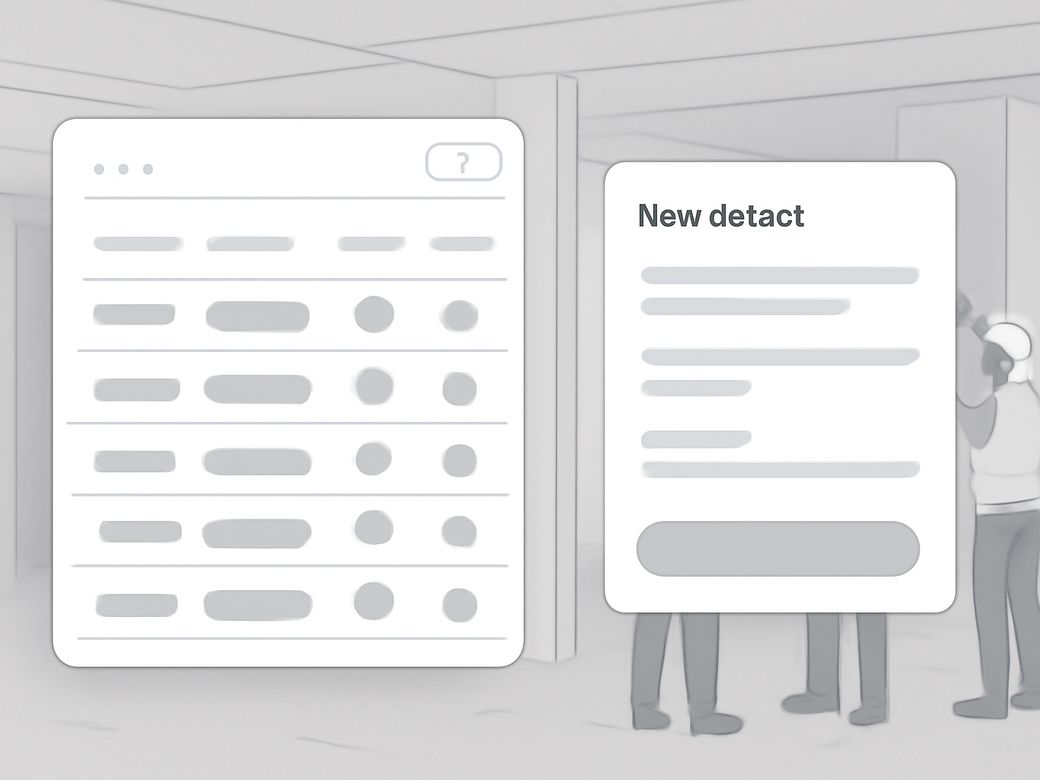
Streamline your incoming enquiries
One central place to manage and track every enquiry. Get the insight you need to win more work and stop prospects slipping through the cracks.
New automation tools
Track what wins work
See clear reports on which enquiries were lost and which turned into work. The more you know, the better you can convert the next enquiry that arrives.
Outside Enquiry Sources
Stay on track and up to date
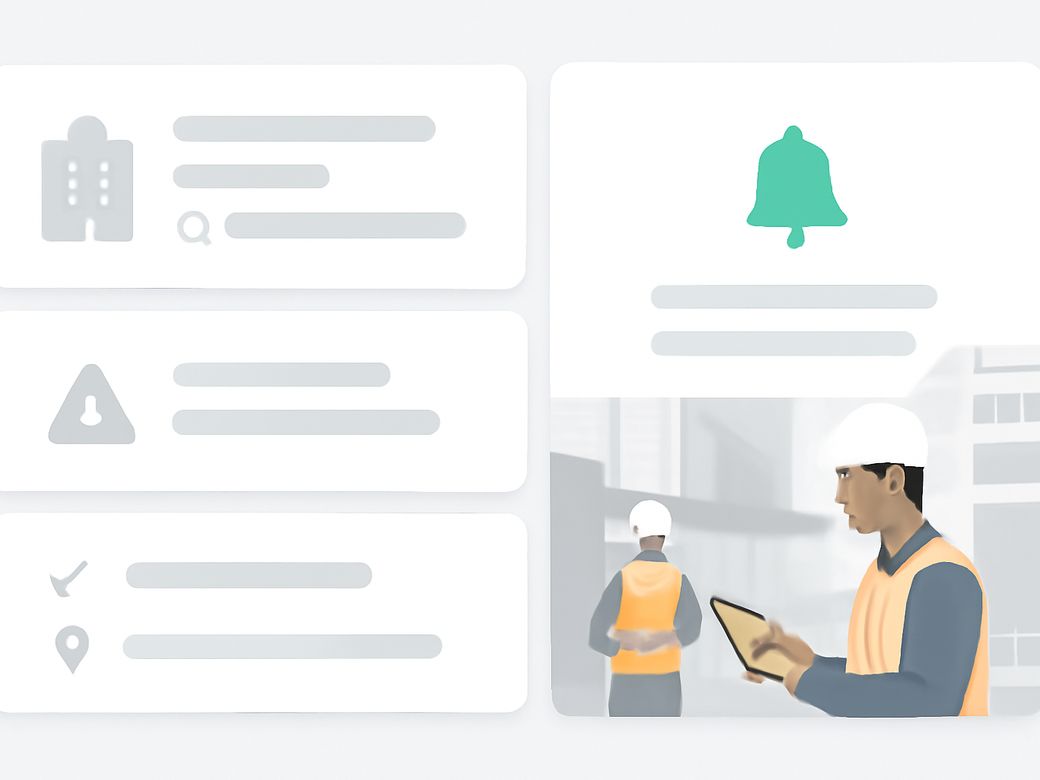
Log enquiries and referrals as they arrive from outside sources. Respond quickly, convert them, and calculate referral fees automatically.
REPORTS AND ANALYTICS
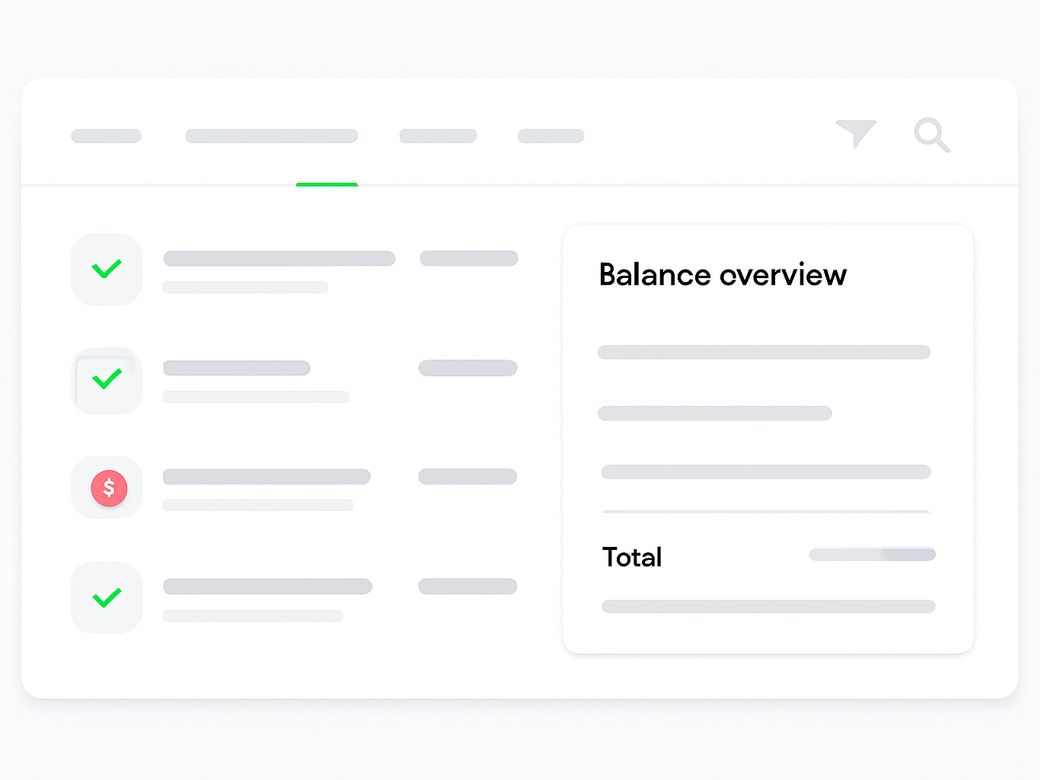
Better reporting accuracy
Bring enquiries from outside companies together in one place automatically. Cut back on manual data entry and save time and effort.
Get more from the operation you already run
One portal. One login. Every tool to keep the schedule full and the vans moving.
AI Answering
An AI assistant picks up calls, emails, and texts straight away. It speaks with clients, books site visits, and sends the right trade out without needing a person in the loop.
Smart Outreach
A built-in outreach suite that draws on your live project data for campaigns, and flags negative public feedback as soon as it appears.
AI Phone
A built-in phone system that turns your calls into useful insights, such as which bids are won, why prospects walk away, and how coordinators can do better.
Scheduling
Clever scheduling and dispatch that keeps crews productive, well routed and on time.
Billing
Polished invoices that let clients pay by card, mobile wallet, bank transfer, cash, cheque, or pay-over-time finance.
Automations
Automate jobs with ‘if this happens, then do that’ rules. For example, ‘When a payment falls due, text the client’.
Frequently asked questions
upvisi’s Enquiry Manager helps contractors and facilities teams track and manage opportunities, keeping everything organised so no opportunity slips through the cracks.
By bringing all enquiry details into one place, you can follow progress, chase up effectively, and raise your chances of turning enquiries into signed work.
upvisi Enquiry Manager lets you create and manage enquiries directly within your upvisi account. You can record client details, scope descriptions, and book site visits.
Enquiries can be tracked through customisable statuses that reflect your bid pipeline, and when an enquiry is ready to go ahead, it can be turned into a job with all relevant information carried across.
Yes.
With AI Enquiry Capture, upvisi will automatically create new enquiries from incoming emails, such as requests from your website or third-party listing platforms. This saves time, makes sure every potential job is captured without manual data entry, and lets you be the fastest team to respond.
upvisi also connects with third-party enquiry platforms and online booking pages. Incoming enquiries from these sources go into your Enquiry Manager so you can track every opportunity you have worked for.
Absolutely.
upvisi lets you track enquiries by source, giving insight into which channels bring in the most work. This data helps you allocate your marketing budget more efficiently and focus on the approaches that bring the best results.
Yes.
upvisi’s automation tools let you trigger follow-ups automatically based on enquiry statuses and status changes. For instance, if a client hasn’t replied within a set timeframe, upvisi helps you stay in touch by sending a reminder email or text, or a follow-up alert to your coordinator.
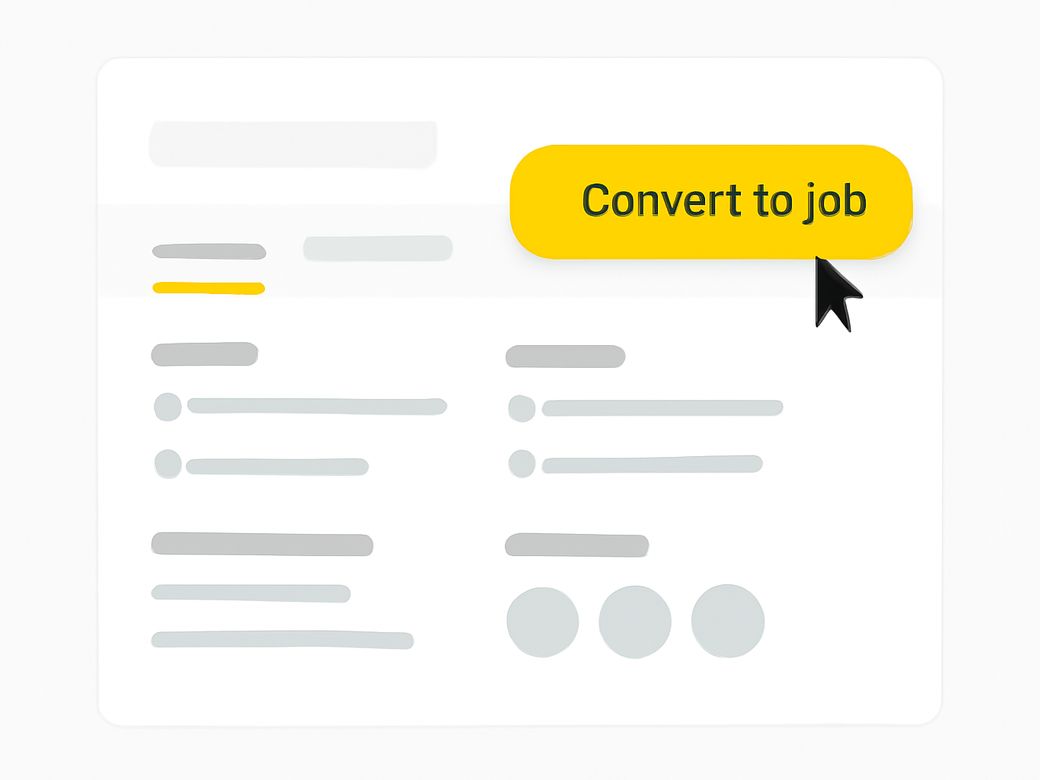
When an enquiry is ready to book, you can convert it into a job with a single click.
All the information from the enquiry, including client details, job type, and notes, is carried across to the new job, removing the need for duplicate data entry and speeding up your workflows.
No.
Enquiries are tracked separately from jobs in upvisi. This means that if an enquiry doesn’t turn into a job, it won’t affect your cancelled-job figures, giving a more accurate picture of your business performance.