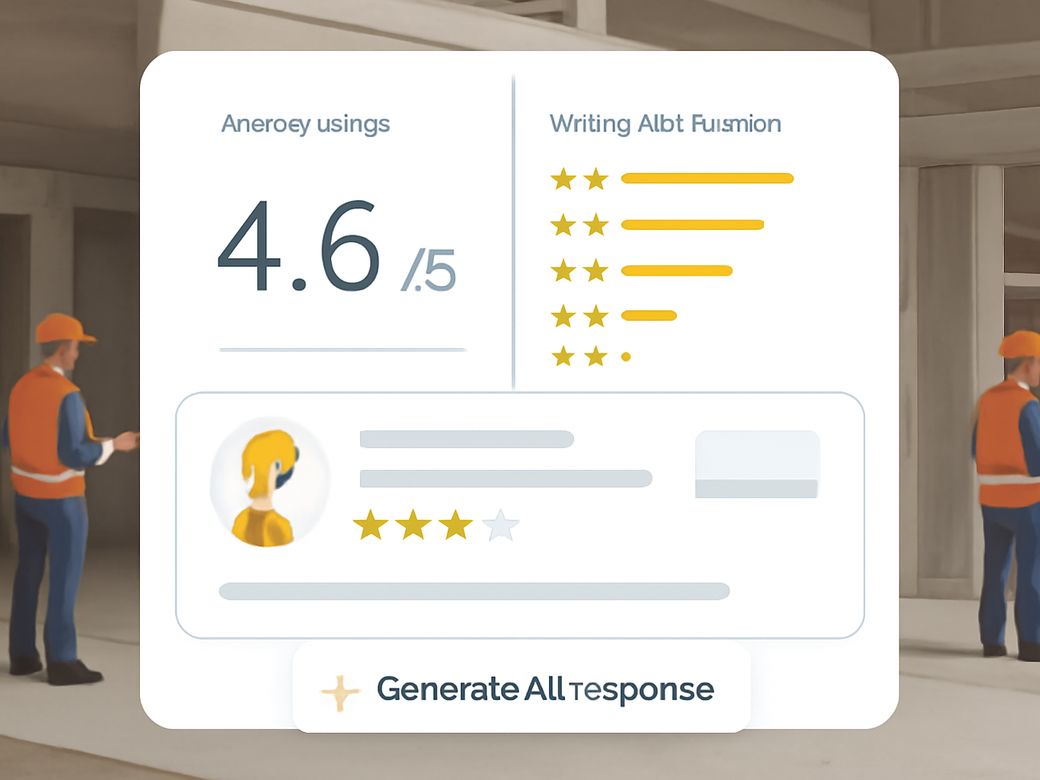
Handover records
Keep a clear record of every access point
Clients want a handover they can rely on. With upvisi, every lock and door fix is recorded with photos and sign-off.
Built for locksmith crews and facilities teams. Record doors, locks and access points from photos or a site walkthroughs, assign each fix, and hand over a complete key and access record.
Used by trade teams on site-based projects

Handover records
Clients want a handover they can rely on. With upvisi, every lock and door fix is recorded with photos and sign-off.
ACCESS PRIORITY
Blocked doors and failed locks go to the top of the list, so the crew knows which access points need attention first.
Checklists
Create custom checklists for key handover, door hardware tests and access sign-off, so every point is confirmed and recorded on each site.
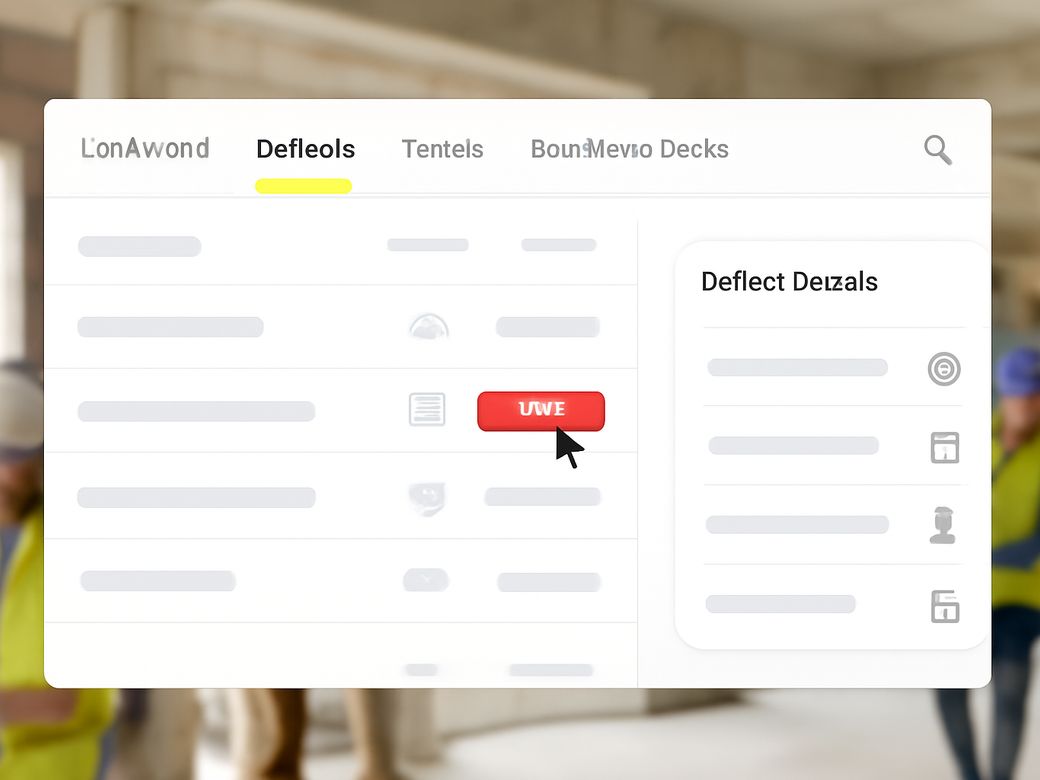
PARTS TRACKING
Monitor cylinders, strikes and fittings across vans and sites from one shared view. Your crew can see what is on hand before they arrive, so no fix is held up by a missing part.
Visit updates
Send clients an automatic update with the crew's arrival time and the name of the technician attending, so site access is planned with confidence.

Change orders
Quote each access fix as Good, Better or Best options, so clients can choose a repair or a full replacement that suits their budget and security needs, right from the site.
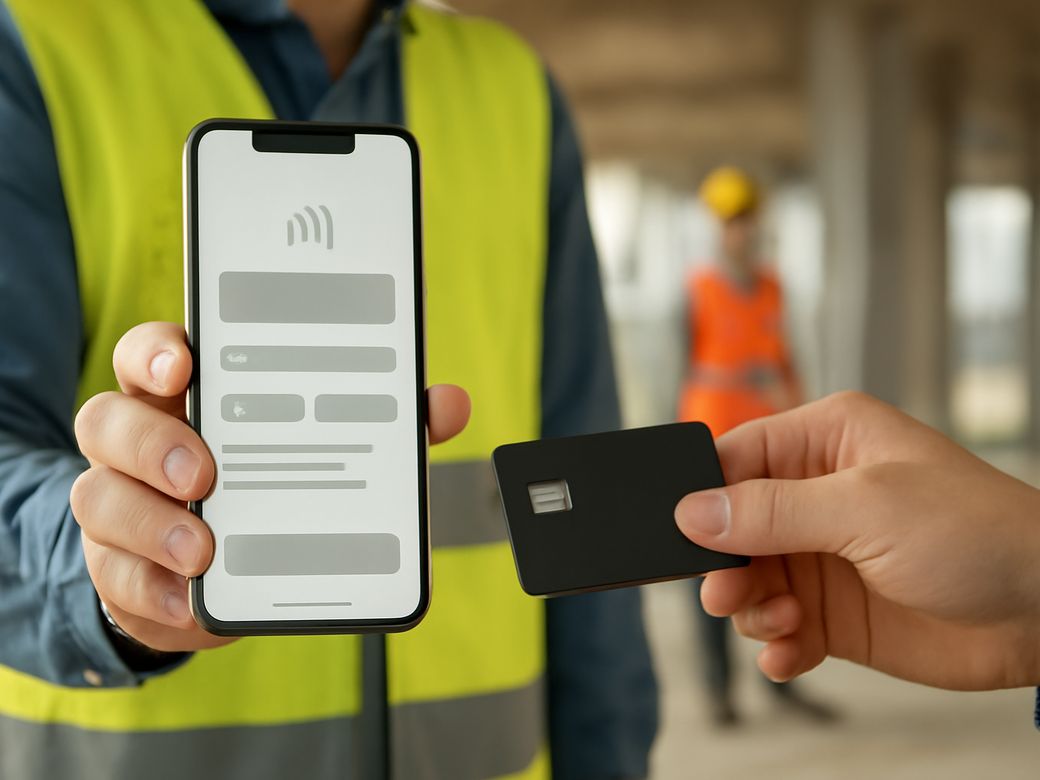
upvisi pay
Agree a deposit before materials are ordered or a crew is sent out to site, so the work is protected from the start.
Dispute records
Keep your position clear if a client questions a fix or a visit. Calls, messages, sign-off records and site photos are stored against each item, so the evidence is ready when you need it.
Photos and walkthrough videos become a defect list, fixes are assigned to trades, and the handover pack builds itself as items close. One platform for the supervisor, the locksmith and the facilities team.

Locksmith inspection software is a site-based tool that records locks, doors and access points, assigns fixes and tracks each item to sign-off. It helps locksmith teams and facilities managers run their work with clear records from start to finish.
Key features of locksmith inspection software include:
Defect logging: Record each door, lock and access point with photos and notes from site.
Defect logging: Record each door, lock and access point with photos and notes from site.
Client records: Keep a shared record of each site, its access points and the work completed.
Client records: Keep a shared record of each site, its access points and the work completed.
Mobile app: Open defect details and update status from iOS and Android devices on site.
Mobile app: Open defect details and update status from iOS and Android devices on site.
Variations and payments: Record approved extra work and send final documents to the client.
Variations and payments: Record approved extra work and send final documents to the client.
Reporting: See open defects and close-out progress, so you can decide where to focus next.
Reporting: See open defects and close-out progress, so you can decide where to focus next.
With locksmith inspection software, you can close out work more cleanly, keep teams organised and hand over complete records. upvisi offers the core features to help you run this work well.
The cost depends on the number of users and the size of your team. Some providers offer monthly plans, while others charge a yearly licence.
When you weigh the cost, consider the value it brings. A structured inspection tool like upvisi can help you:
Save time and reduce manual tasks
Save time and reduce manual tasks
Improve client confidence and repeat work
Improve client confidence and repeat work
Increase crew productivity
Increase crew productivity
Streamline invoicing and payments
Streamline invoicing and payments
Make informed decisions based on live project data
Make informed decisions based on live project data
A well-chosen inspection tool can help you run projects more smoothly and close out work faster. upvisi offers plans for different team sizes. For the latest details, check the pricing page or contact the team for a tailored quote.
Built for locksmith work, upvisi takes site photos and walkthroughs, creates a defect list, assigns fixes and tracks each item to close-out, keeping the whole job in one place.
It brings together scheduling, reminders and handover records, so supervisors can run projects with less admin and more time on site.
A clear, shared defect list helps your team avoid repeat visits and close out work on time. Keeping every record in one place also makes clients more confident in the handover.
Flexible payment options help clients settle final accounts, and the handover pack gives them a clear record of the work carried out.
Client updates and automated reminders keep people informed without extra calls, which supports repeat work over time.
Clear records and quick updates build trust, so clients are more likely to return for maintenance and future access work.
Yes. upvisi connects with common accounting tools, so invoices and payments can be kept in step without manual re-entry.
Your crew can also record costs and create estimates from site. upvisi connects with other business apps, so scheduling and client communication stay in one workflow.
Yes. You can prepare an estimate in a few minutes from site, so you can respond to a request quickly.
You can also tailor quotes to match your brand, which makes each client touchpoint feel more professional.
Good, Better and Best options let clients choose the level of work that suits their needs. Many clients are happy to invest in the access points that matter most, which helps you deliver the right result.
Yes. The upvisi app is available from the main app stores and works on all common devices. Crews can create estimates quickly and message clients directly, saving time for the whole team.
Your crew can also send visit updates, and you can follow their progress in real time, which reduces delays and surprises on site.
We encourage you to try the app and plan routes for your team. It helps productivity, cuts travel costs and keeps the right technician on the right job.