
Automations
Automate your workflow and cut the busywork
Stop doing repetitive admin by hand. upvisi sends automatic reminders for site visits, follow-ups on estimates, and alerts for overdue invoices.
No wasted site visits
Fewer missed visits
Travelling to a site that isn't ready wastes time, fuel and margin. upvisi sends automatic visit reminders so clients and site contacts are prepared when your crew arrives.
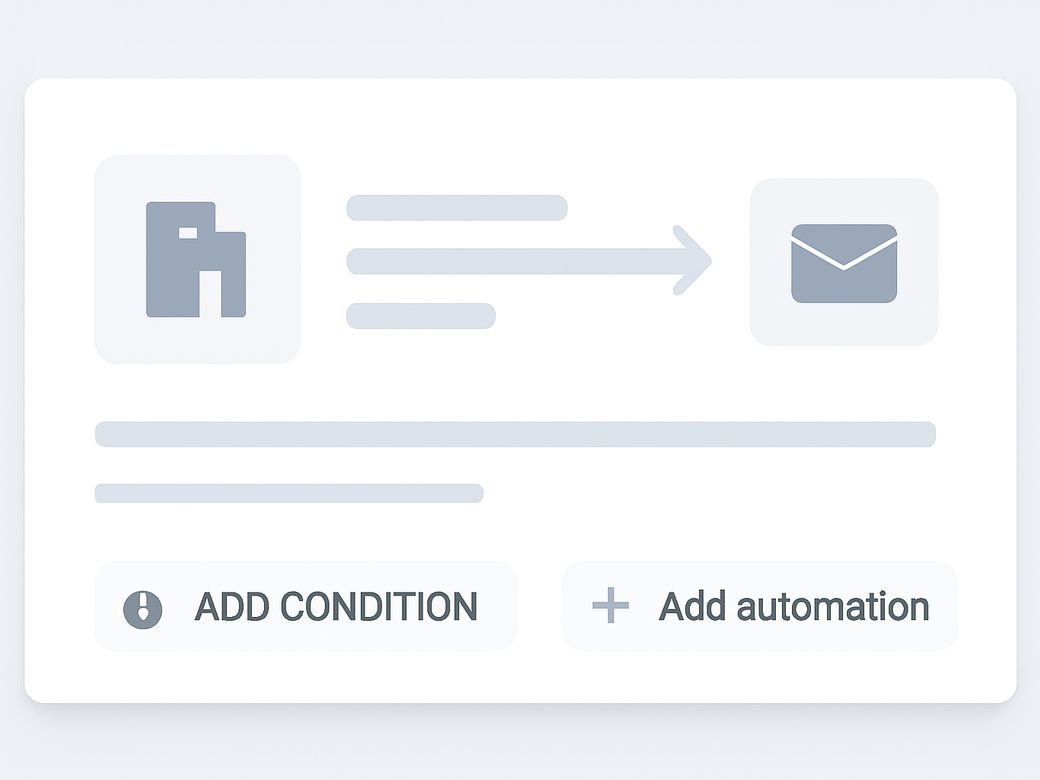
Protect your cash flow
Collect payments sooner
Stop chasing payments by hand. upvisi automatically sends polite reminders to clients when a payment is due, and alerts your office team when an invoice goes overdue.

Work more efficiently
Scale your crews, not your admin
Taking on more site work shouldn't mean hiring a large office team for paperwork. Set up automations once and they keep running in the background. That's how you grow without adding overhead.
Stay in control
Know that every item gets done, to your standard
Nothing slips past the deadline or falls through the cracks. Once an automation is set up in upvisi, it runs every time, on schedule.
Get more from the business you already run
One workspace. One login. Every tool to keep your schedule full and your crews on the move.
AI Answering
AI answering handles incoming calls, emails and texts. It speaks with clients, books site visits and sends the right crew, with minimal manual input.
Client Marketing
A built-in marketing suite that draws on your live project data for campaigns, and helps protect your reputation by flagging negative feedback as soon as it appears.
Call Insights
An embedded phone system that turns your calls into useful insights, such as your real project win rate, why leads decline, and how your coordinators can improve.
Scheduling
Smart scheduling and dispatch that keeps your crews efficient, well routed and on time.
Invoicing
Professional invoices that let clients pay by card, mobile wallet, bank transfer, cash, cheque, or consumer financing.
Automations
Automate tasks with ‘when this happens, do that’ rules. For example, ‘When an invoice is due, send the client an SMS’.