
Online Bookings
Take new site requests around the clock
Let clients book visits into your planner straight from your website, social profiles or email signature. Set your availability and booking rules, and let clients take it from there.
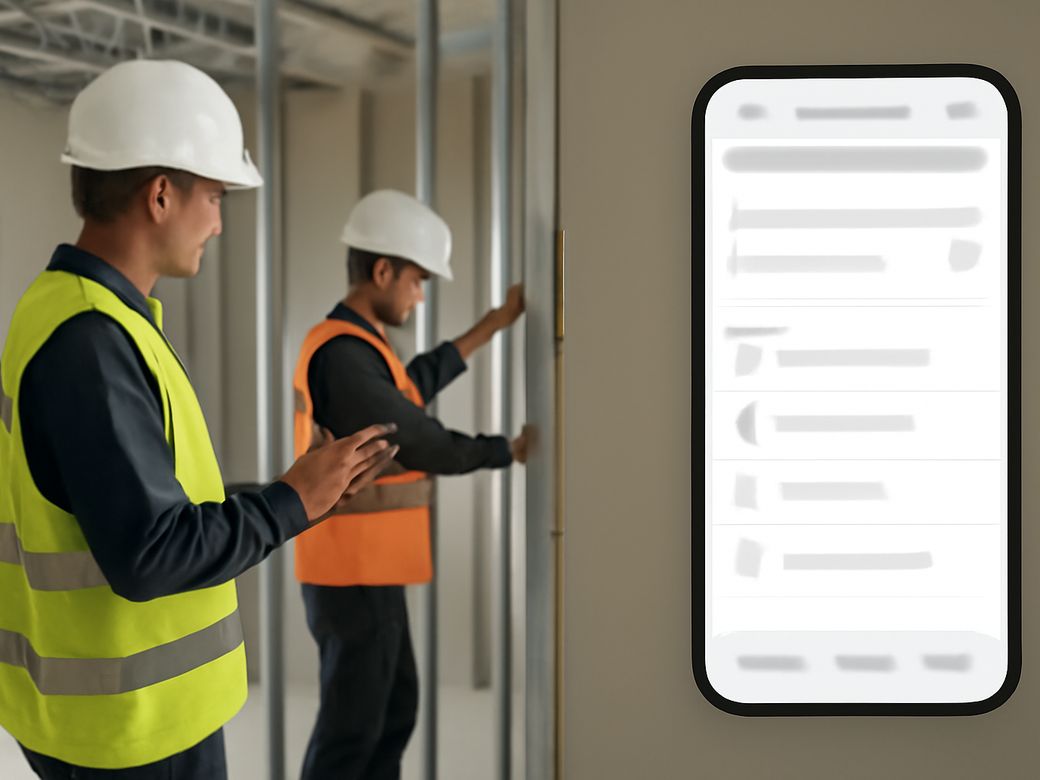
Make things easy
Make requesting a visit simpler for your clients
Many teams still make clients phone in and wait for a reply. Clients just want to request a visit and get on with their day. Online booking lets them do exactly that, at any hour.
Control your calendar
Set rules that match your policies and workflows
Control exactly when and how clients can book. Set minimum notice periods, define booking windows, and decide whether you want to approve visits before they are confirmed.
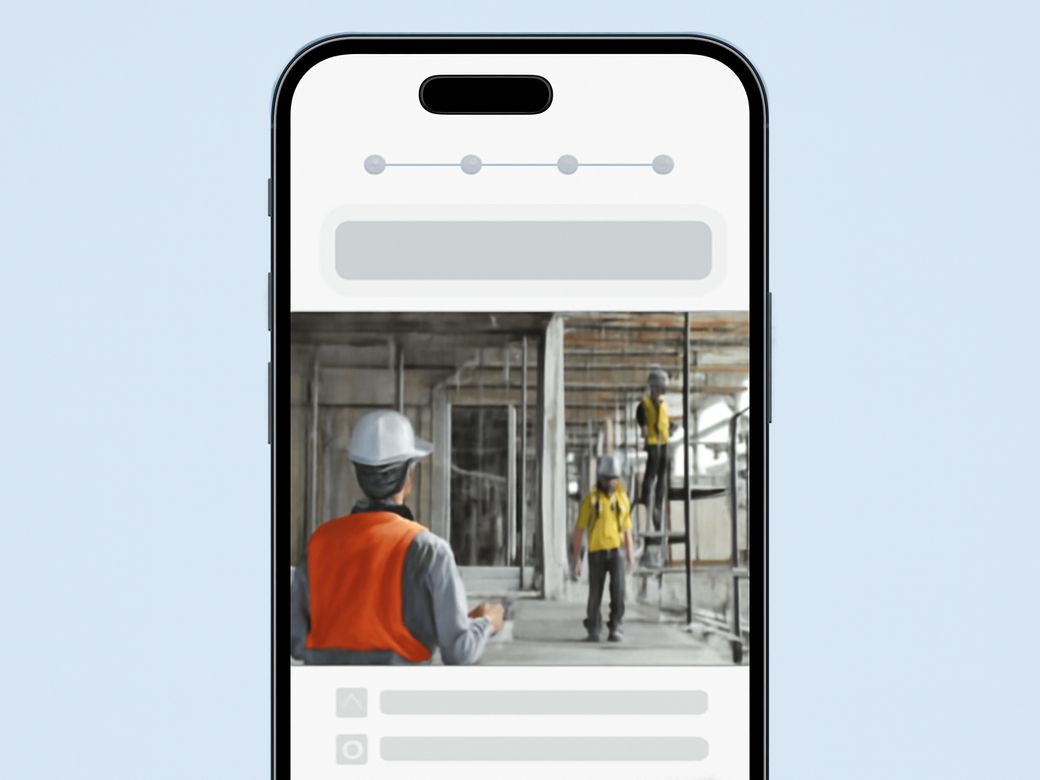
CLIENT COMMITMENT
Secure deposits upfront
Cut down on enquiries that drop out at the last minute. You can ask for a deposit during the online booking, so the client is committed before your crew heads out.
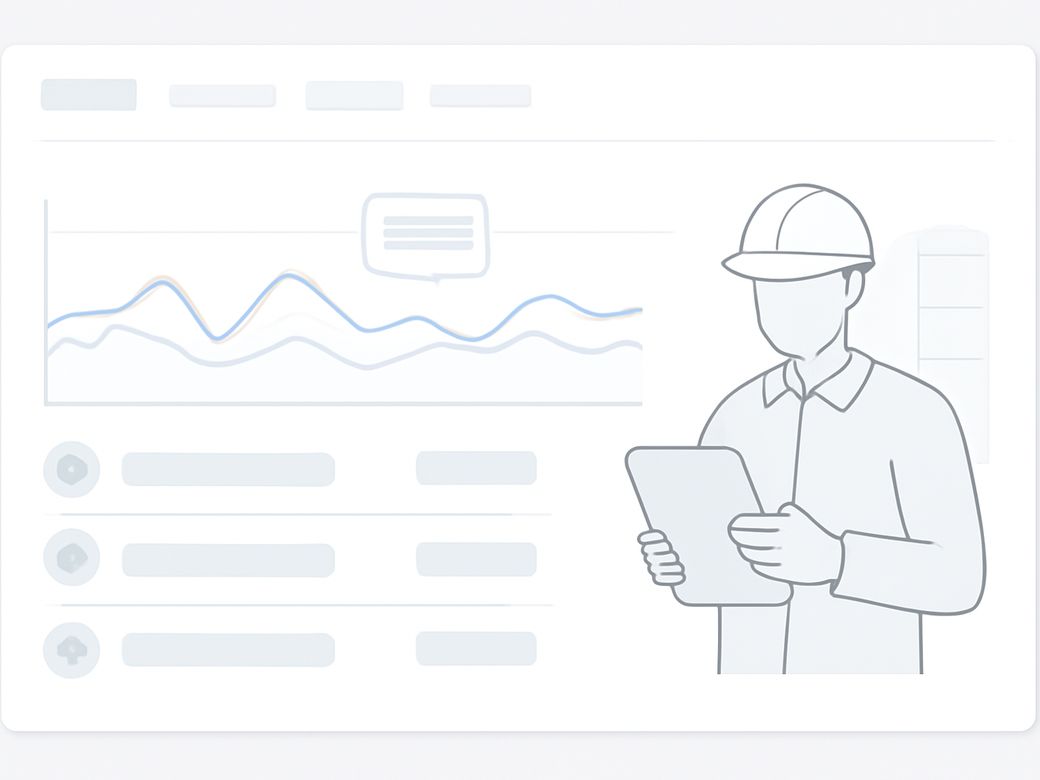
Real-time availability
Syncs with your dispatch board
To avoid double bookings, clients can only choose from open slots. You decide whether new online requests enter your system as active jobs or as pending leads for your team to review first.
Run more work from the business you already have
One workspace. One login. Every tool to fill the planner and keep crews moving.
Auto Answering
Automatic replies handle client calls, emails and messages. The assistant answers questions, books visits and passes the right job to a trade without manual steps.
Client Outreach
A built-in messaging tool that uses your live site data to keep clients informed and flags delayed defect items so they can be followed up quickly.
Call Insights
A built-in phone tool that shows useful insight from calls, such as which visits were confirmed, why clients declined, and how coordinators can respond faster.
Planning
Smart planning and dispatch that keeps crews efficient, well routed and on time.
Invoicing
Clear invoices that clients can settle through several payment methods.
Automations
Set automated tasks with 'when this happens, do that' rules. For example, 'When an invoice is due, notify the client'.
Frequently asked questions
Online Booking is an upvisi feature that lets your clients request services directly through your website, social profiles or search listings, without having to phone or wait for office hours. It is a self-service portal that is always open, helping your business capture more enquiries, reduce admin time and fill visits faster. Whether your team is on site or off duty, Online Booking works around the clock to fill your planner.
upvisi Online Booking connects to your live planner, letting clients pick a service, choose a time slot and submit a request, all from a desktop or mobile-friendly form you can place on your website, email signature or social profiles, or share by link. Setup needs no technical know-how. You control the services shown, the scheduling rules and whether deposits are required. Every booking goes straight into your planner, with the option to auto-assign trades, send confirmations or trigger follow-ups.
This feature places your upvisi Online Booking link into your business listing so that clients can request your services straight from their search or map results. When someone looks for your business or service type, your listing can show a direct booking button, making it quicker and easier for leads to arrange a visit on the spot. It helps your business stand out in busy search results.
Once you turn on the listing integration inside upvisi, your available time slots and services sync with your business listing. When a client finds your listing, they can request an appointment in a few taps. That request is automatically added to your upvisi schedule, so there is no extra admin. It is a simple way to turn search traffic into confirmed visits, with no calls, no forms and no delays, at the client's own convenience.
Not at all. Setting up your Online Booking links or listing integration is quick and straightforward, and no technical skills are needed.
Yes. You can tailor the booking portal by adding your company logo, setting service titles and descriptions, and defining preferences such as business hours, service types, visit duration and the client information required. This gives clients a smooth, branded experience. You can also require advance payments or deposits, and let clients request parts or equipment directly from the booking portal.
Yes. upvisi lets you require full or partial payments at the time of booking. You can set these preferences by service type or other criteria, helping you secure commitment from clients and reduce missed visits.
By linking your listing to direct booking, your services can be requested straight from search results. This raises your visibility where clients are already looking, puts you ahead of competitors and makes the request process simpler for potential clients. It also gives you a way to take requests around the clock, even if your office keeps regular hours.
Yes. upvisi lets you generate unique booking links for different channels, such as your website, social profiles or email campaigns. This helps you see which channels bring in the most bookings so you can refine your marketing accordingly.
Yes. The upvisi Online Booking portal is designed to be responsive and easy to use on every device, so clients can request visits from smartphones, tablets or desktops. Your clients also get their own client portal, where they can view and approve their estimates, pay their invoices and more, from any device they choose.
Adding the upvisi booking widget is straightforward. After turning the feature on in your upvisi account, you can generate an embed code to place on your website. We also suggest adding the link to your email signature, text messages, automations and social profile links.