
Equipment tracking
Keep a record of every unit your crew has ever worked on
Photograph the label and log the unit. Every trade arrives knowing what was done before and what comes next.
Complete service record
See what was attempted before you return
Every repair, part and site visit is logged, so crews never start from zero on arrival. They see what was done last time, what failed, and what to try next.
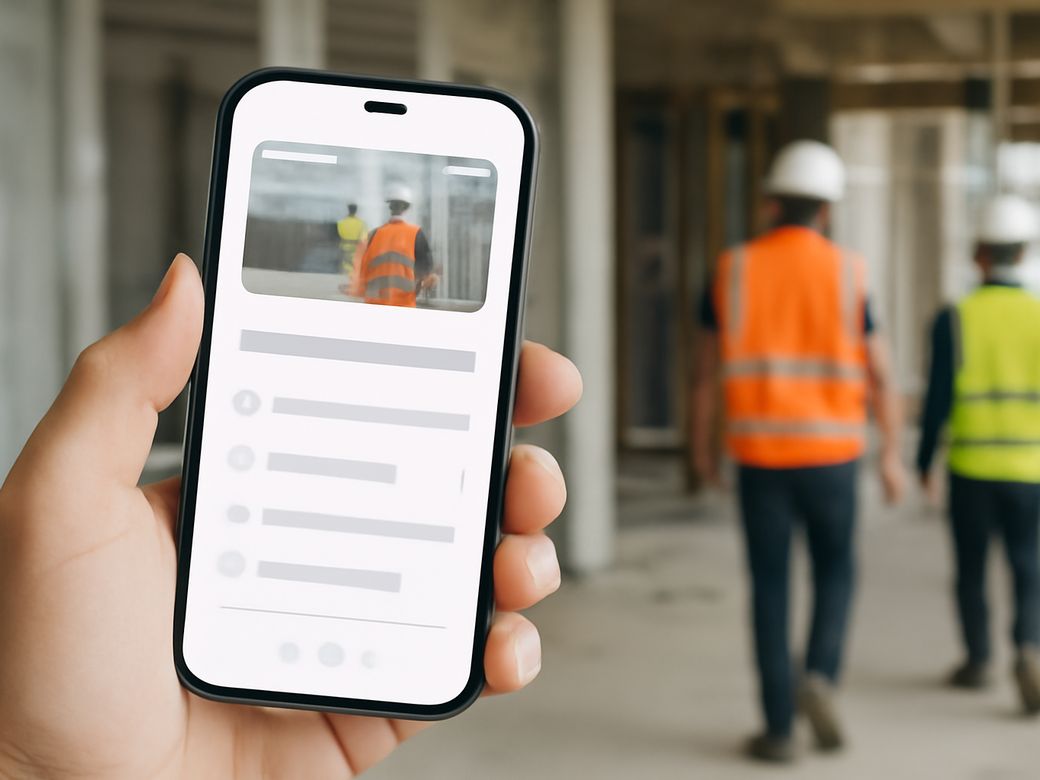
Label scanner
Photograph the label, skip the typing
Just point your phone at any label and upvisi pulls the serial number, model and make automatically. No typing long codes, no keying mistakes.
Bring the right parts
Cut repeat site visits by bringing the right parts first
With the exact make, model and service history of the unit in front of them, your crews leave with the parts they need, not a van full of guesses.

REPLACEMENT PLANNING
Be first in line for the replacement work
Every asset reaches end of life eventually. By tracking its history, you will know first when repairs stop making sense, putting you first in line for the replacement.
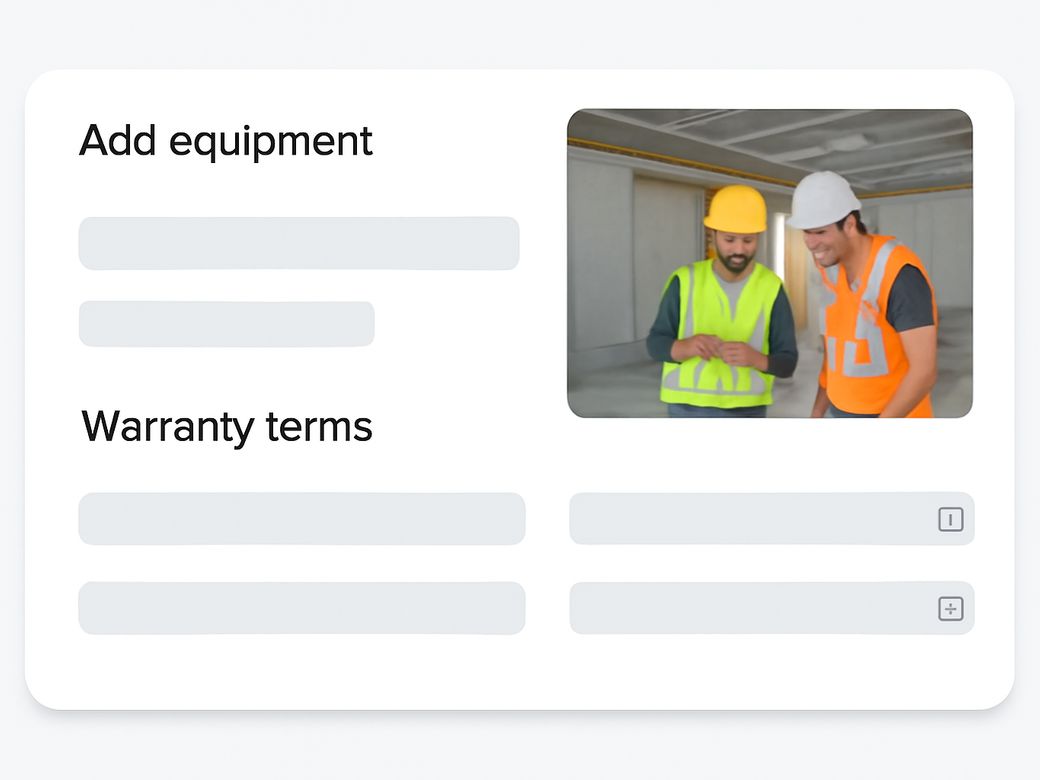
WARRANTY RECORDS
Settle warranty claims with a clear paper trail
You hold the full record of what was done and when. If a client questions your work or a past repair, the documented facts make the case for you.
Grow the business you already run
One portal. One login. Every tool to fill the schedule and keep the vans moving.
AI Answering
AI answering handles incoming calls, emails and texts right away. It speaks with clients, books work and sends the right crew without manual steps.
Client Marketing
A built-in marketing suite that uses your live project data in campaigns, and helps protect your online reputation by flagging negative feedback as it appears.
Call Insights
A built-in phone system that turns your calls into useful insights, such as your real win rate on bids, why prospects decline, and how dispatch can improve.
Scheduling
Smart scheduling and dispatch that keeps crews efficient, well routed and on time.
Invoicing
Clean invoices that let clients pay by card, mobile wallet, bank transfer, cash, cheque or financing options.
Automations
Automate tasks with ‘when this happens, do that’ rules. For example, ‘When a payment is due, text the client’.
Common questions
upvisi’s asset tracking is a tool within our field management software that lets you monitor and manage all installed equipment linked to your jobs, sites and clients. It records key details such as serial numbers, warranty information, installation dates, service history and the exact installation location, giving full visibility, organization and control over the equipment you install on a client’s site.
Assign equipment to a specific job and it also appears on the client’s profile automatically. When you install something new, you can add details such as location, serial number, model and make. Those details attach to the job, so you can find them quickly when needed. For existing equipment, you can log it into the system manually. Each item is linked to a property address, and its history, including installations, services and removals, is recorded in full.
Yes. upvisi lets you log work performed on each item and link it to a specific job. This builds a full service history, so you can monitor performance, plan maintenance and give clients well-informed recommendations.
Yes. The upvisi mobile app supports the full asset tracking feature. Crews can add, view and update equipment details on site, keeping data current and handovers moving quickly.
Certainly. upvisi lets you tailor equipment entries so every relevant detail is captured and easy to find.
Yes. Even when you service equipment your team did not originally install, you can add it manually to the client’s profile. This keeps the service history complete and makes follow-up support easier for the client going forward.
Asset tracking connects directly with upvisi scheduling, dispatch, invoicing and client records. For example, equipment details are available while booking a job, and service history can inform invoices and client messages, which keeps operations running smoothly.