
Client Portal
Give your clients a single place to follow their works, pay in one go, and request a new visit.
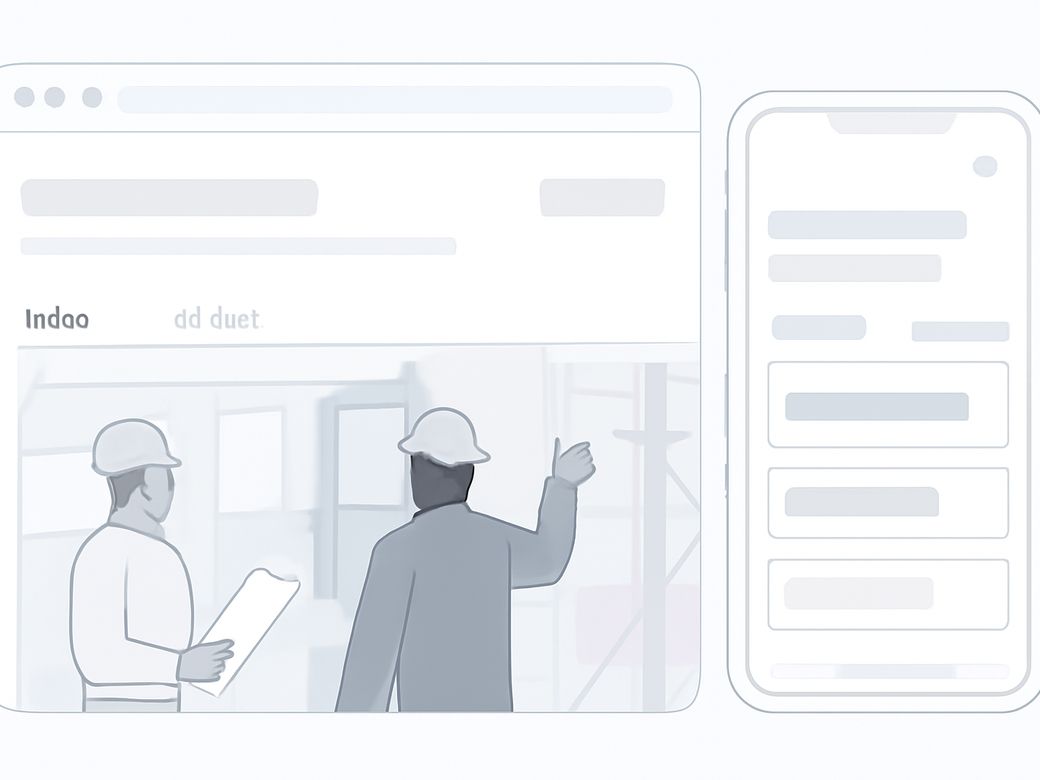
One place for everything your clients need
View past and upcoming visits
Let clients easily check upcoming and past site visits, make payments and follow their payment history, all in one central place.
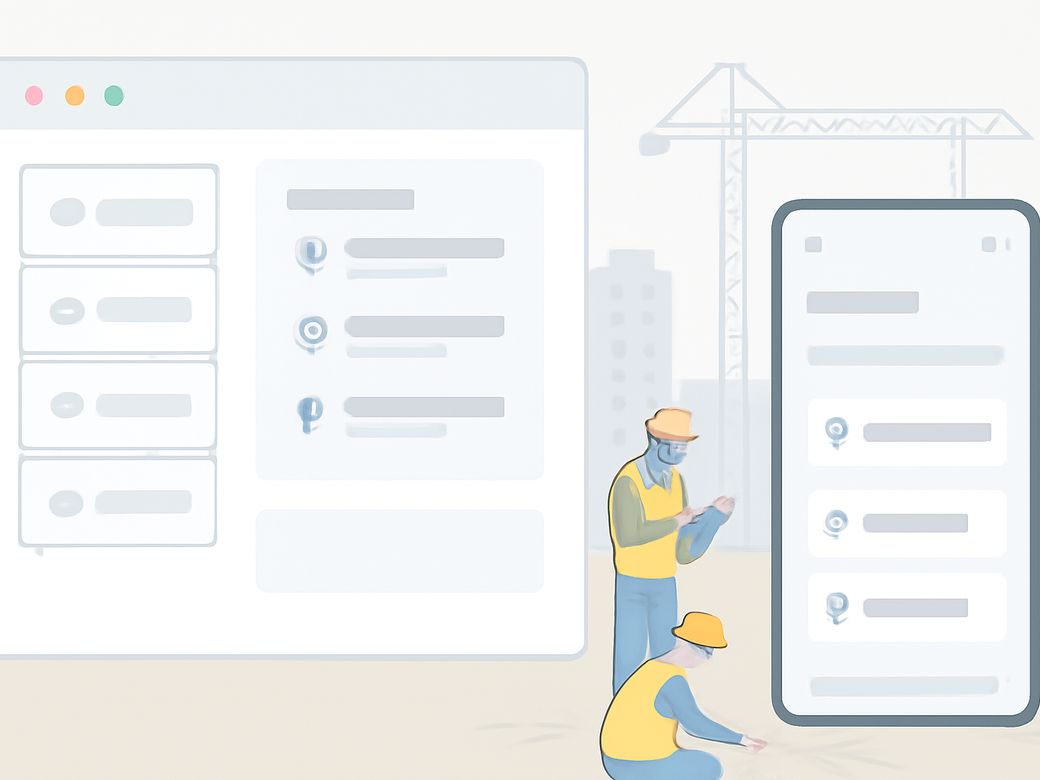
Get paid now and in advance
Bulk payments
Send clients professionally designed estimates and invoices with a link to their portal, where they can review, approve, sign and settle the balance in one place. Let clients pay for each piece of work separately or all together.
Grow the business you already run
One portal. One login. Every tool to fill the schedule and keep crews moving.
AI Answering
AI answering handles calls, emails and texts around the clock. It talks to clients, books site visits and assigns the right trade without human hand-offs.
AI Marketing
A built-in marketing suite that uses your live project data in campaigns, and flags negative reviews as soon as they appear.
AI Phone
An embedded phone system that gives practical insights from your calls, such as your true quote win rate, why leads decline, and how the office can improve.
Scheduling
Smart scheduling and dispatch that keeps your crews efficient, sensibly routed and on time.
Invoicing
Professional invoices that let clients pay by card, mobile wallet, bank transfer, cash, cheque and customer financing.
Automations
Automate tasks with 'when this happens, do that' rules. For example, 'When an invoice is due, send the client a text'.
Frequently asked questions
The upvisi Client Portal is a central hub where your clients can review and approve estimates, pay invoices, sign off works and manage upcoming site visits, all from one secure link. It gives clients a clear, professional place to follow their projects, sign open estimates and make online payments by card, bank transfer or customer financing. Payments and signed estimates are reflected straight back in your upvisi account.
The upvisi Client Portal streamlines your business by letting clients view, manage and pay for works in one central hub. With round-the-clock access to estimates, proposals and invoices, clients can accept and sign proposals online, which makes approvals easier to secure and cuts down on office calls. The portal removes the need for manual paperwork such as printing and scanning. It also helps your cash flow, because clients can pay deposits or full balances before you arrive on site. It supports card payments, bank transfers, digital wallets and customer financing.
Clients can: Review and approve estimates and proposals Pay invoices and deposits online by card, bank transfer, digital wallet or customer financing Review visit history See upcoming site visits Access documents, photos and service plans See their service history
Yes. The Client Portal shows your company name, logo and contact details, so clients feel they are dealing directly with your team. It offers a clean, modern experience that presents your business professionally.
No downloads or logins required. Clients receive a secure link by text or email, and can open the portal straight away on any device.
Yes. You decide which documents, works, invoices or plans are shared with each client. You can change these settings at any time from inside your upvisi account.
Yes. The portal shows clients information from estimates, works, invoices, proposals and service plans. Whenever any of these are created or updated, the permitted details update in the client's portal in real time.
Yes. Clients can use every feature of the Client Portal from their phones or tablets.