
Checklists
Have every visit follow your playbook
Give your crews step-by-step instructions so every job is done right, reducing rework and protecting margins.
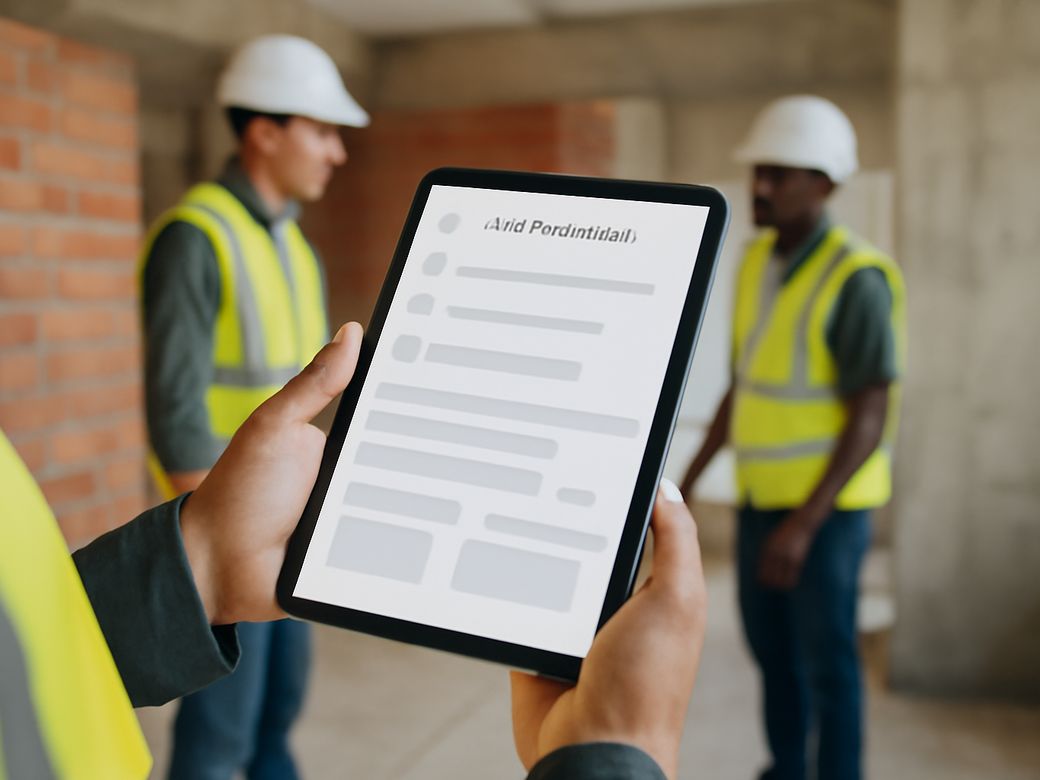
Built for the real world
Have custom checklists for every job type
Create templates for snag walks, fit-outs, site inspections and handover visits, so your team always follows the most relevant workflow.

Get the job done right
Stop rework before it starts
Going back to fix mistakes eats into margins and reputation. Checklists help crews get the work right first time, so you do not need to return to clean up defects.

Boost revenue
Make extra scope part of the process
Help crews spot and log additional work during the visit. Do not hope for variations; build them into the workflow so teams know what to look for.
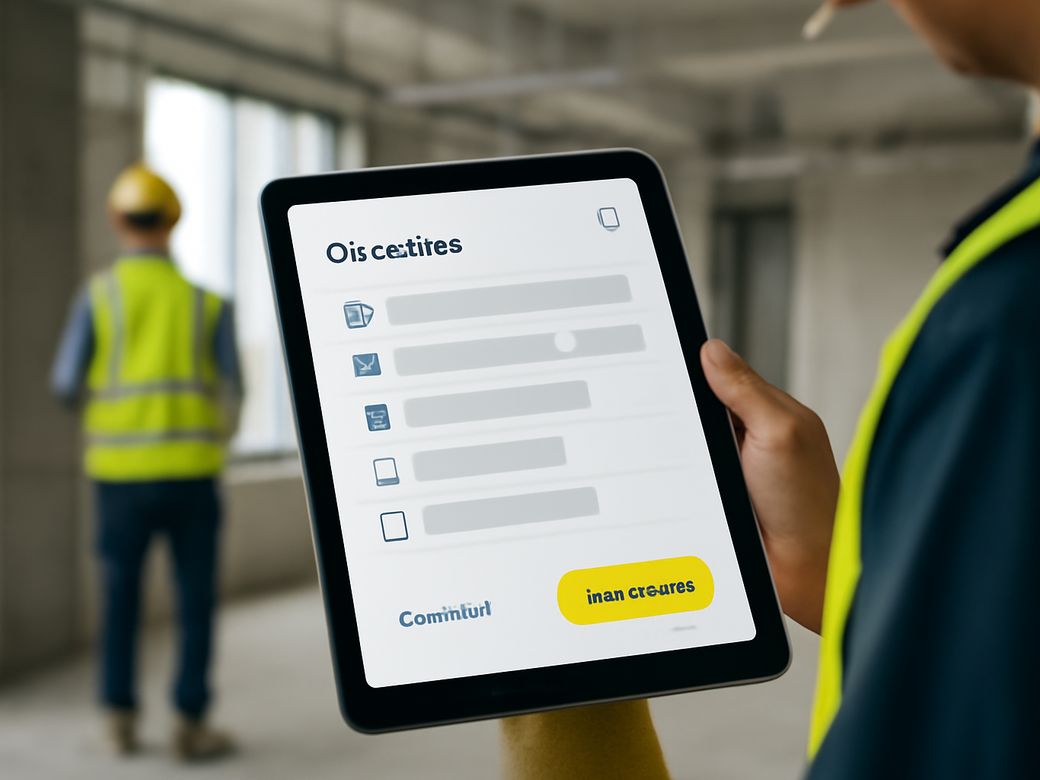
Keep quality consistent
Deliver the same standard every time
Reduce rework and keep your reputation solid by standardising the steps every crew follows.

Coach crews automatically
Train new starters faster
Turn proven processes into step-by-step guides so new inspectors perform to your standard from day one.
Reduce slip-ups
Make sure every detail is covered
Prevent missed items and poor work by requiring photos, notes and confirmation that even the small tasks were completed.

Build trust and loyalty
Show clients what has been done
Walk clients through the completed checklists, showing clear proof of work to boost professionalism.
Run more of the business from one place
One portal. One login. Every tool to fill the diary and keep crews moving.
AI Answering
AI answering handles calls, emails and texts. It talks to clients, books site visits and sends the right crew without any manual handling.
Marketing Suite
A built-in marketing suite that uses live job data in campaigns, and helps protect your online reputation by flagging negative reviews as soon as they appear.
Phone Insights
An embedded phone system that turns calls into useful insight, such as your real quote win rate, why leads decline and how dispatchers can improve.
Scheduling
Smart scheduling and dispatch that keeps your team efficient, well routed and on time.
Invoicing
Professional invoices that let clients pay by card, mobile wallet, bank transfer, cash, cheque and consumer financing.
Automations
Automate tasks with ‘when this happens, do that’ rules. For example, ‘When an invoice is due, text the client’.
Frequently asked questions
upvisi Checklists are step-by-step workflows your crews follow on every visit. They standardise how work gets done, keep quality consistent across the team and help people spot extra scope that adds value to the job.
Checklists keep your team organised, on task and accountable, whoever is on site and however long they have worked with your way of doing things.
Checklists appear inside each job so your crews can follow clear steps, upload required photos, add notes and confirm completed tasks before closing the job out.
Owners and supervisors build the checklist once, and every person on the team follows the same repeatable workflow. upvisi logs every step automatically, so nothing gets missed and clients receive transparent proof of work.
Checklists guide crews through consistent inspections and add-on prompts, such as offering a maintenance plan, checking whether a warranty applies, and asking the client whether any other work is needed.
Instead of extra work being hit or miss, every crew member knows what to look for, what questions to ask and what to recommend. That leads to higher job values, more add-ons and more repeat work from each client.
Whether you run one crew or twenty, consistency builds your reputation.
Checklists ensure every job, from snag walks to full fit-outs, is done the same way every time. Crews follow the same workflow, take the required photos and capture the same documentation, which significantly reduces rework and makes handover smoother.
Yes, this is a big benefit. Instead of shadowing for weeks, new team members get step-by-step instructions for every job type. The checklist becomes the playbook: what to inspect, what to record, what to add and how to close a job out. Even an experienced hire ramps up faster on your processes, performing well from day one.
Yes. Requiring photos, notes and confirmations means nobody skips steps, especially the small details that lead to costly rework or disputes. It also creates a clear audit trail with time-stamped proof of work.
Yes, and clients value it. When the job is done, your team can walk the client through everything completed, with photos included. This builds trust, improves transparency and gives clients confidence that the work was done properly.
It is one of the simplest ways to look professional and reduce disputes.
Checklists suit any contracting or facilities team that wants its crews and office staff to follow proven processes, deliver consistent quality and protect margins.
Yes. Crews complete checklists from the upvisi mobile app. Photos, notes and status updates sync instantly with the office.
You can build a checklist from scratch or copy one from your ready-made templates. Choose the job type, add the steps you want crews to follow, require photos or notes where needed, and assign it. Your whole team sees the updated version straight away.