
Online & desktop accounting sync
Save time, reduce errors, and keep your books in order
Keep accounting and reconciliation efficient by syncing with your ledger in real time and avoiding double entry.

Works with online and desktop accounting
Works with what you already use
Whether your books live in an online or desktop package, upvisi connects with it to keep your records current and free from manual errors.
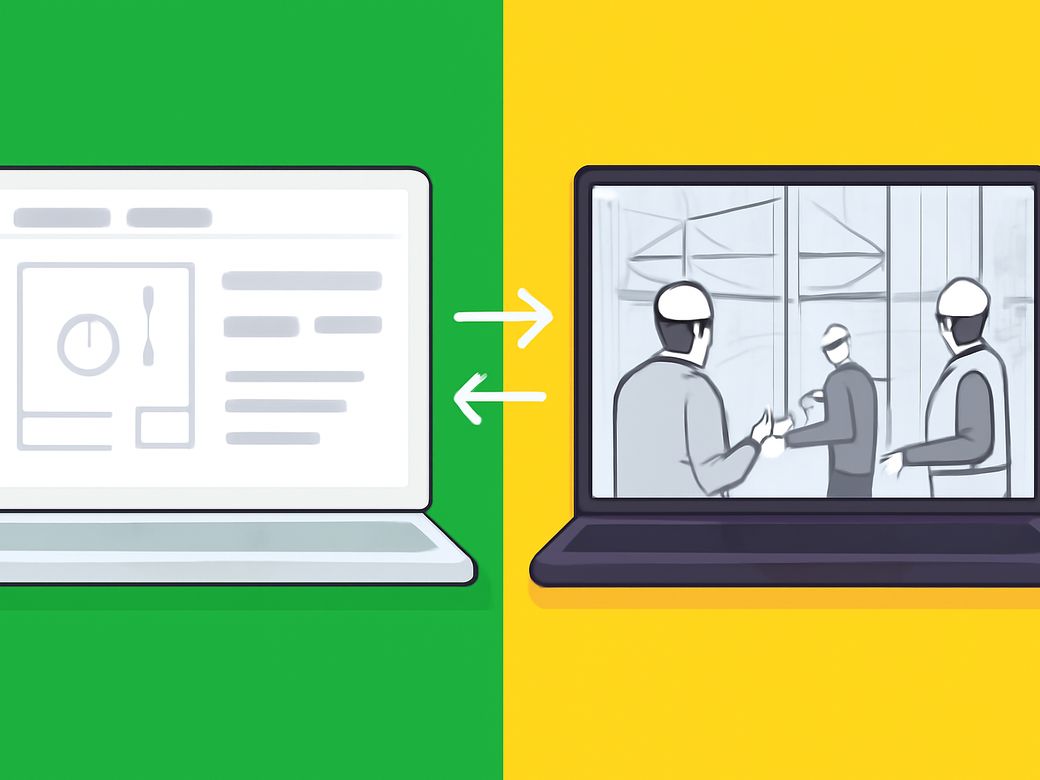
Get set up in just minutes
Quick and easy connection
It takes only minutes to import your existing accounting data into upvisi. Once you are set up, data keeps flowing one way, from upvisi into your ledger.
Do your pre-accounting automatically
No more double entries
Every relevant activity in upvisi updates your books behind the scenes. From client details and payments to expense reports, your ledger stays accurate without any extra work.
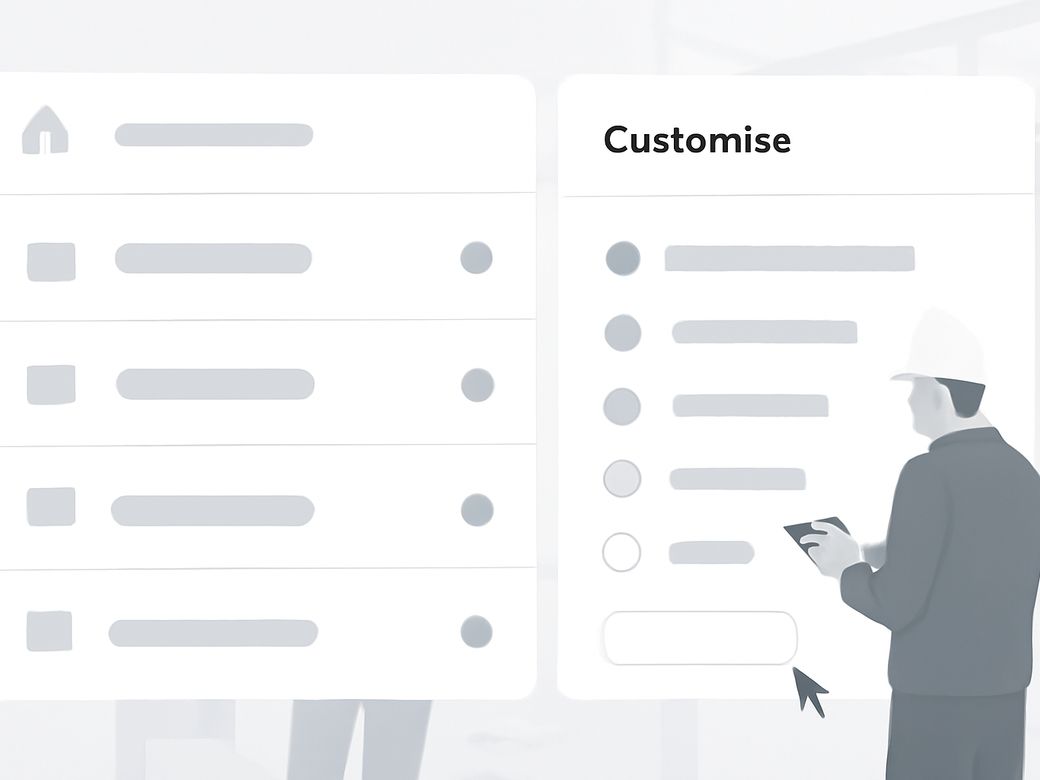
Choose what syncs, and when
Stay in control
Not everything needs to reach your books straight away. upvisi lets you decide which invoices, payments or clients sync, and when, so accounting stays on your terms.
Grow the business you already run
One portal. One login. Every tool to fill the schedule and keep crews moving.
AI Answering
AI answering handles calls, emails and texts around the clock. It talks to clients, books site visits and assigns the right trade without human hand-offs.
AI Marketing
A built-in marketing suite that uses your live project data in campaigns, and flags negative reviews as soon as they appear.
AI Phone
An embedded phone system that gives practical insights from your calls, such as your true quote win rate, why leads decline, and how the office can improve.
Scheduling
Smart scheduling and dispatch that keeps your crews efficient, sensibly routed and on time.
Invoicing
Professional invoices that let clients pay by card, mobile wallet, bank transfer, cash, cheque and customer financing.
Automations
Automate tasks with 'when this happens, do that' rules. For example, 'When an invoice is due, send the client a text'.
Frequently asked questions
The upvisi accounting sync passes your invoices, payments, expenses, taxes and client details to your ledger. It keeps your accounts accurate and up to date without double entry or manual updates.
Yes. upvisi syncs with both online and desktop accounting packages.
The sync automatically passes on: Invoices created in upvisi Payments received through upvisi Customer financing transactions Taxes, tax exemptions and totals Transactions made with the upvisi Expense Card You can also choose whether to sync automatically or manually.
It saves time, removes duplicate data entry and reduces the risk of human error. Your office staff and bookkeepers can focus on running the operation, not on data entry.
Yes. upvisi links every invoice and payment to your ledger so your financial records stay organised.
It makes their work easier. Your records will be clean, consistent and already in your ledger, so year-end and monthly reconciliation are faster and more accurate.
Go to the upvisi Feature Center > Accounting Sync and follow the prompts to link your account securely. Our support team can help if you need assistance.
Yes. The sync runs over secure connections, and upvisi does not store your accounting login details.
If you don't have an accounting package yet, our team can talk you through choosing one that suits your business.